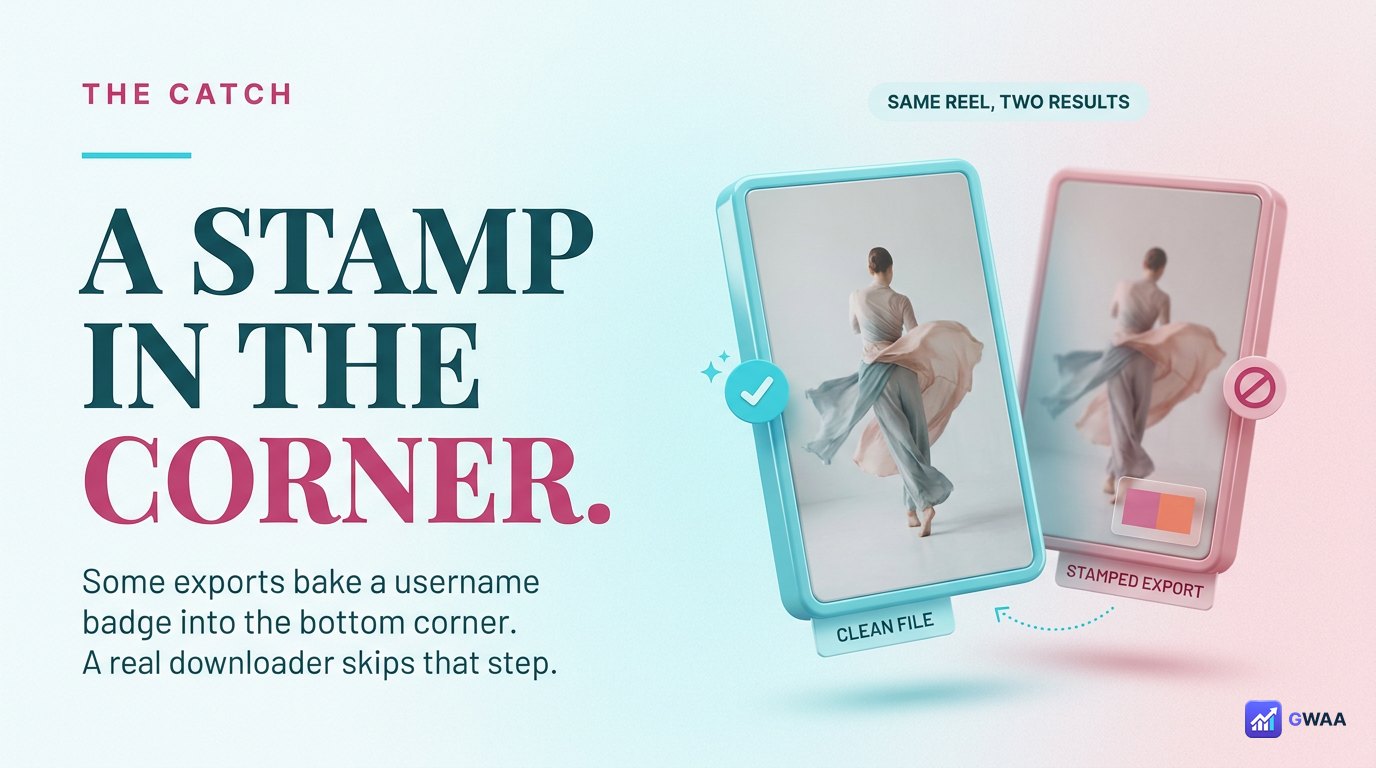

To watch Instagram stories anonymously, use a web-based story viewer instead of the Instagram app. Type the public username in your browser, the tool fetches the story server-side, and the owner’s Viewers panel never logs your name. No login, no account, no notification, no trace — on public profiles only.
⚡ Key takeaways
- Your name appears in the owner’s viewer list because the Instagram app logs the view.
- Web viewers fetch server-side, so no view event ever fires for your account.
- Burner accounts work but are fragile; the airplane-mode trick is unreliable.
- Public accounts only — private accounts stay private at Instagram’s server.
- Anonymous viewing is privacy, not a license to misuse.
Who watches stories anonymously — and why
Anonymous story viewing isn’t about secrecy — it’s about everyday discretion. Marketers tracking competitor accounts. Recruiters vetting candidates. Journalists confirming sources. People who broke up months ago but still want to know the other person is okay. The exit-curious. The privately curious. All the same situation: you want to read something on Instagram, but reading on Instagram has been weaponised into a social signal. Anonymous viewing turns that signal off without lying about it.
This guide covers exactly how the mechanism works, the three real methods (only one of which is reliable), the user flow in three taps, five tools worth using, the safety boundary, and the structural limit no anonymous tool will ever cross.
Why your name shows up in the viewer list
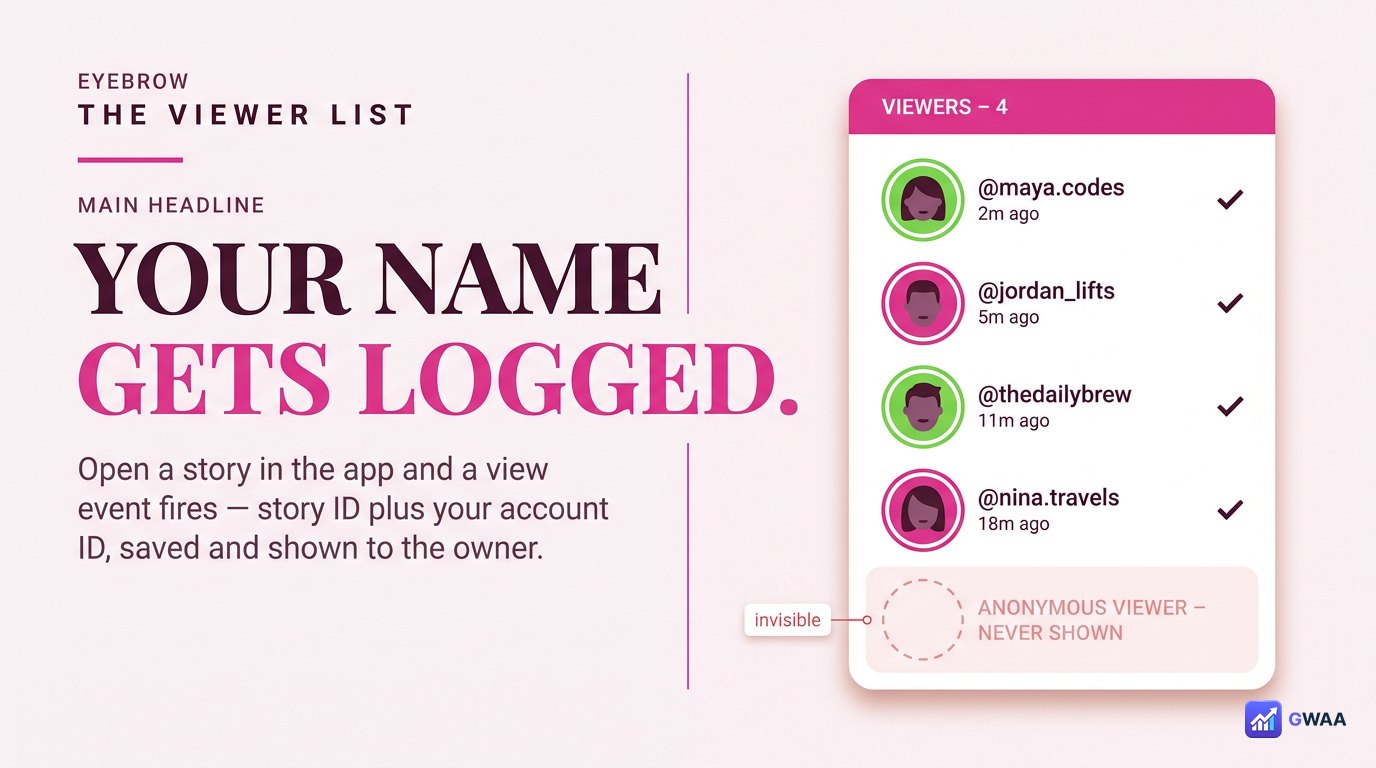
Every time you open someone’s story in the Instagram app, the app sends a small “view” event to Instagram’s servers. The event includes the story ID and your account ID. Instagram saves the pairing. The moment the owner opens their Viewers panel, you’re on the list — with avatar, username, and a one-tap follow button next to your name. The list lives for the story’s 24-hour life.
Three quiet consequences:
- It’s social, not anonymous. Watching is treated as a gesture toward the poster, even when you meant it as a private read.
- It’s sticky. Once you’re on the list, you’re visible for the rest of the story’s life. There’s no “unwatch” button.
- It compounds. Watch every story for a week and the poster knows you watch every story for a week — that’s data about you they probably weren’t entitled to.
An anonymous viewer fixes this at the source: it never sends the view event. Your account isn’t in the loop at all.
The methods that actually work (and the ones that don’t)
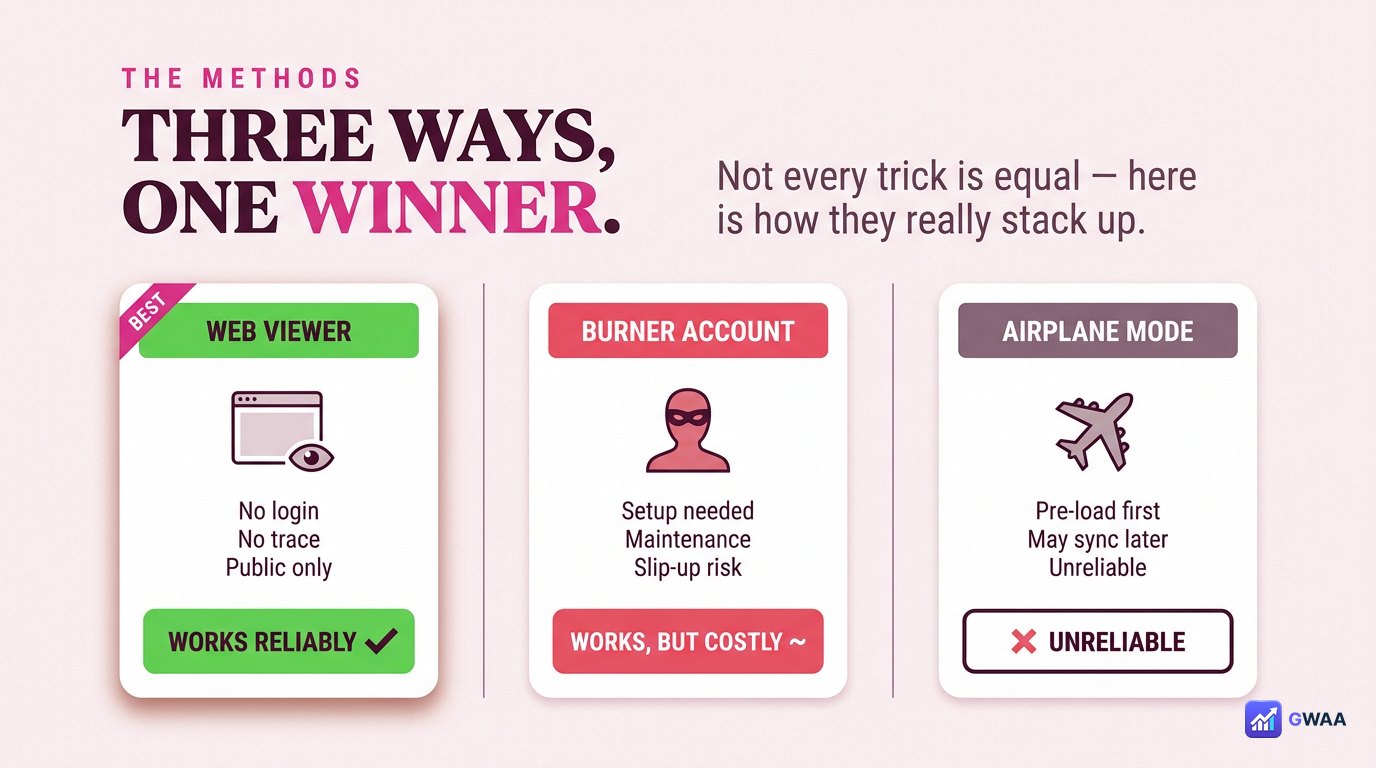
Three methods get pitched for watching stories anonymously. They are not equally good:
- Web viewers (best). Free, no setup, no account, no install. Server-side fetch never registers a view. Works for as long as the public endpoints work, which is essentially always.
- Burner accounts (works but fragile). Create a second Instagram account, never link it to your real one. Effective but real work to set up, easy to slip up on (one cross-comment from the wrong account and the secret is out), and Instagram routinely culls obviously-fake accounts.
- Airplane-mode trick (unreliable). Load stories while online, switch to airplane mode, watch. The theory is the view event fails to send. In practice it often syncs the moment you reconnect, hours later, with no warning.
The right default for everyday discretion is a web viewer. Burners exist for special cases. The airplane trick is folklore that occasionally fails embarrassingly.
How a web-based viewer keeps you invisible
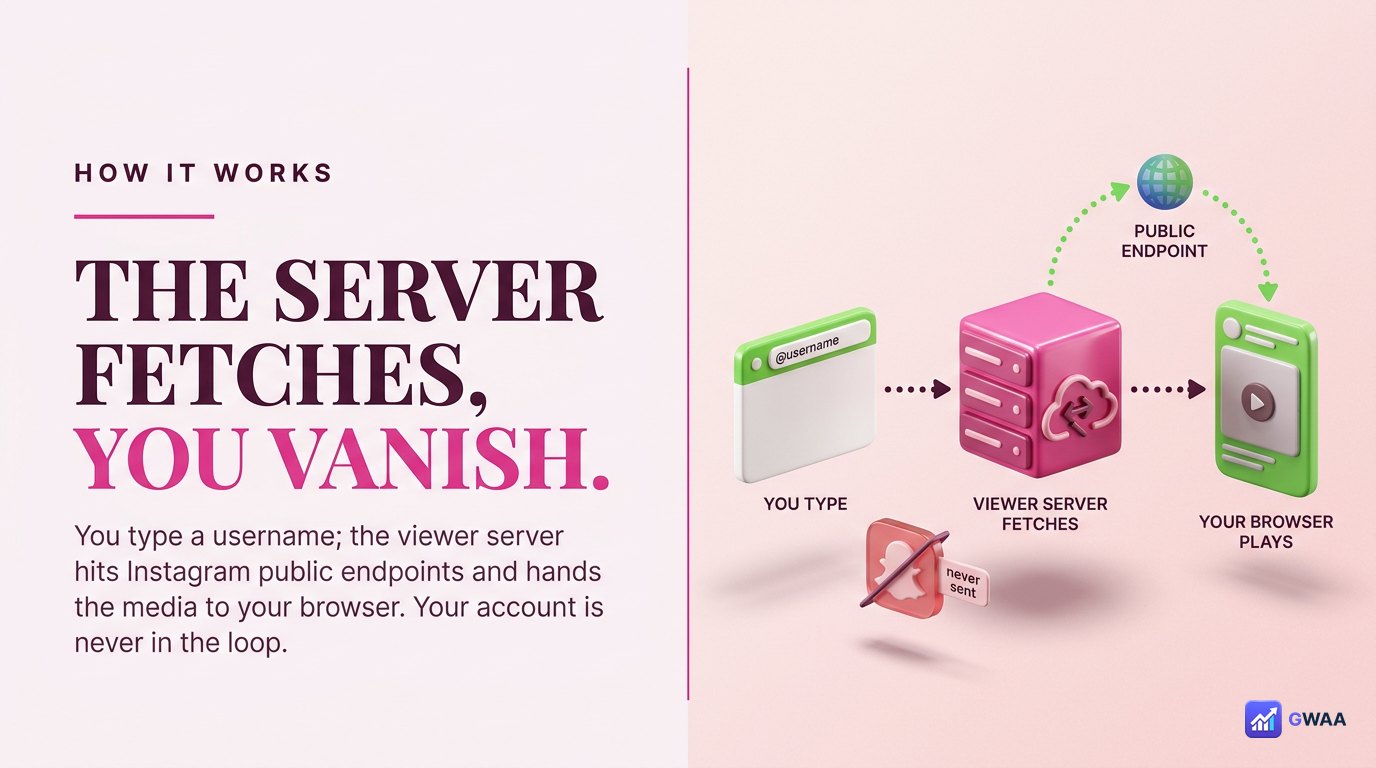
The mechanism is simpler than people assume. You type a username into the viewer. The viewer’s server makes a request to Instagram’s public endpoints — the same endpoints any browser hits for a public profile page. Instagram returns the public story media. The viewer’s server hands that media to your browser, which plays it. Your Instagram account, your cookies, your session: none of those exist in this path.
Three properties fall out of that design:
- The request is server-side, so nothing in your browser ever fingerprints you to Instagram.
- The request is logged-out, so no view event with your account ID is ever generated.
- The request is media-only, so the viewer never touches your follow list, DMs or any other private surface.
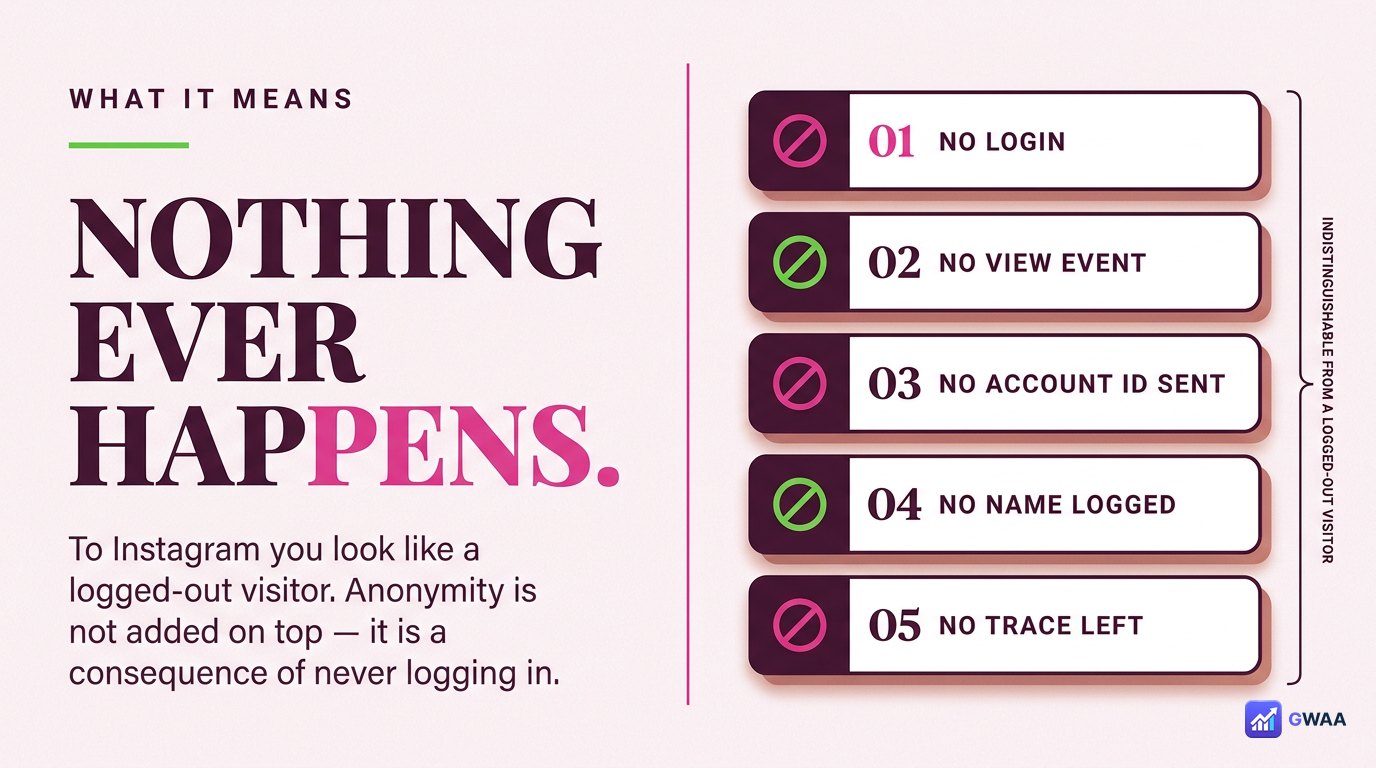
From Instagram’s side it’s indistinguishable from a logged-out visitor loading the public profile page. Anonymity isn’t added on top — it’s a consequence of you never having logged in.
How to watch a story anonymously, step by step
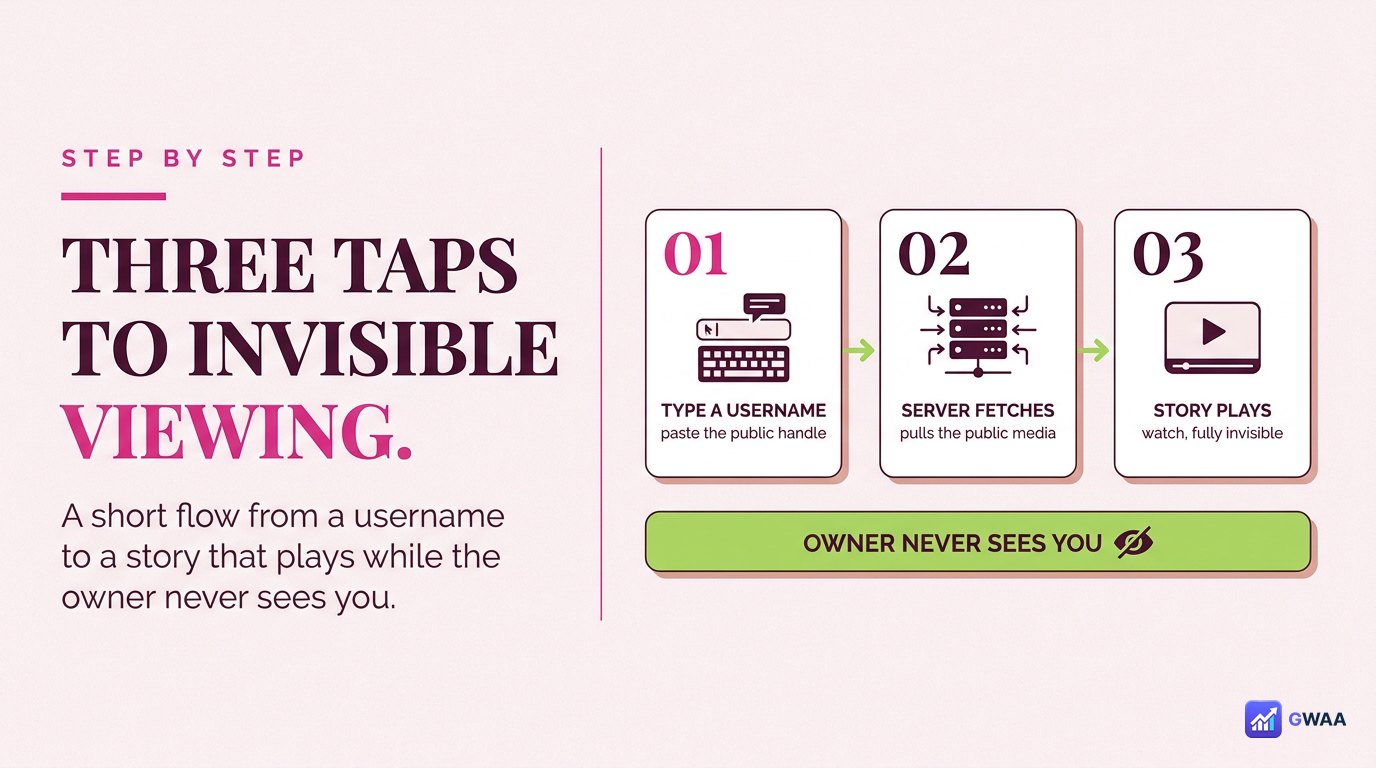
The user flow is short:
- Open a web viewer. Any modern browser, on any device with a screen. No app to install.
- Type the public username. Just the handle, no @ symbol. The viewer fetches the stories on its servers.
- Watch. Stories play in the page. Pause, scrub, jump between them, optionally save the original file. No further prompts.
There is no step where the tool asks you to verify your identity, sign up, install something, or sit through a survey. If one of those gates appears, the “anonymous” promise is already broken — the business model has slipped somewhere else.
Five viewers worth trusting in 2026
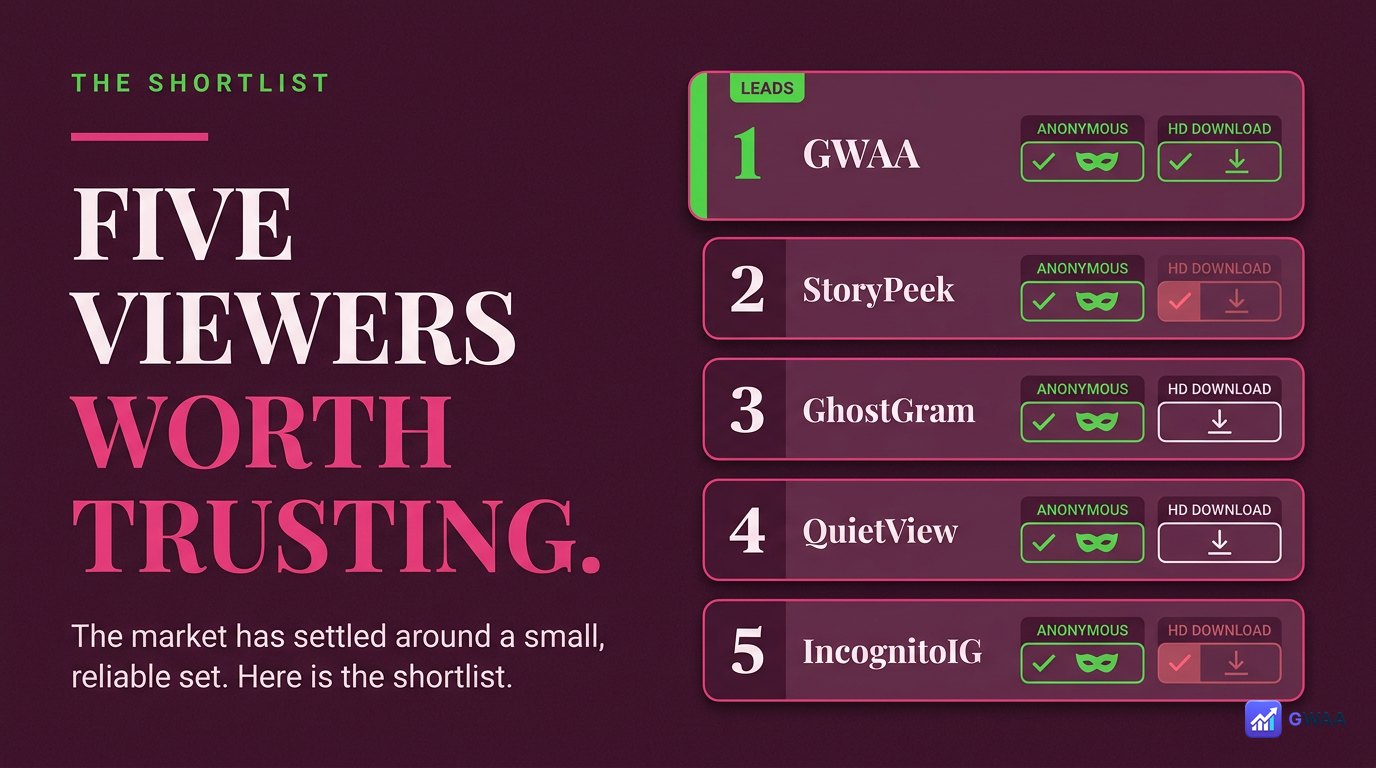
The market has settled around a small set of reliable tools. Quick overview:
- 1. GWAA Story Viewer. Anonymous viewing plus HD download in one place, clean UI, no signup. Currently the best all-rounder.
- 2. StorySaver.net. Long-running, reliable, no-frills, anonymous. The reference for “just works”.
- 3. SnapInsta. Fast, simple UI, anonymous, no login. A solid second-string option.
- 4. SaveInsta. Bulk-save friendly when you need to grab a whole sequence.
- 5. iGram. Older but still working; useful fallback when others are briefly down.
What they have in common: no Instagram login, no app install, no survey wall, public content only. If a viewer asks for your password, it doesn’t belong on this list; it’s selling your credentials.
What about the airplane-mode trick?
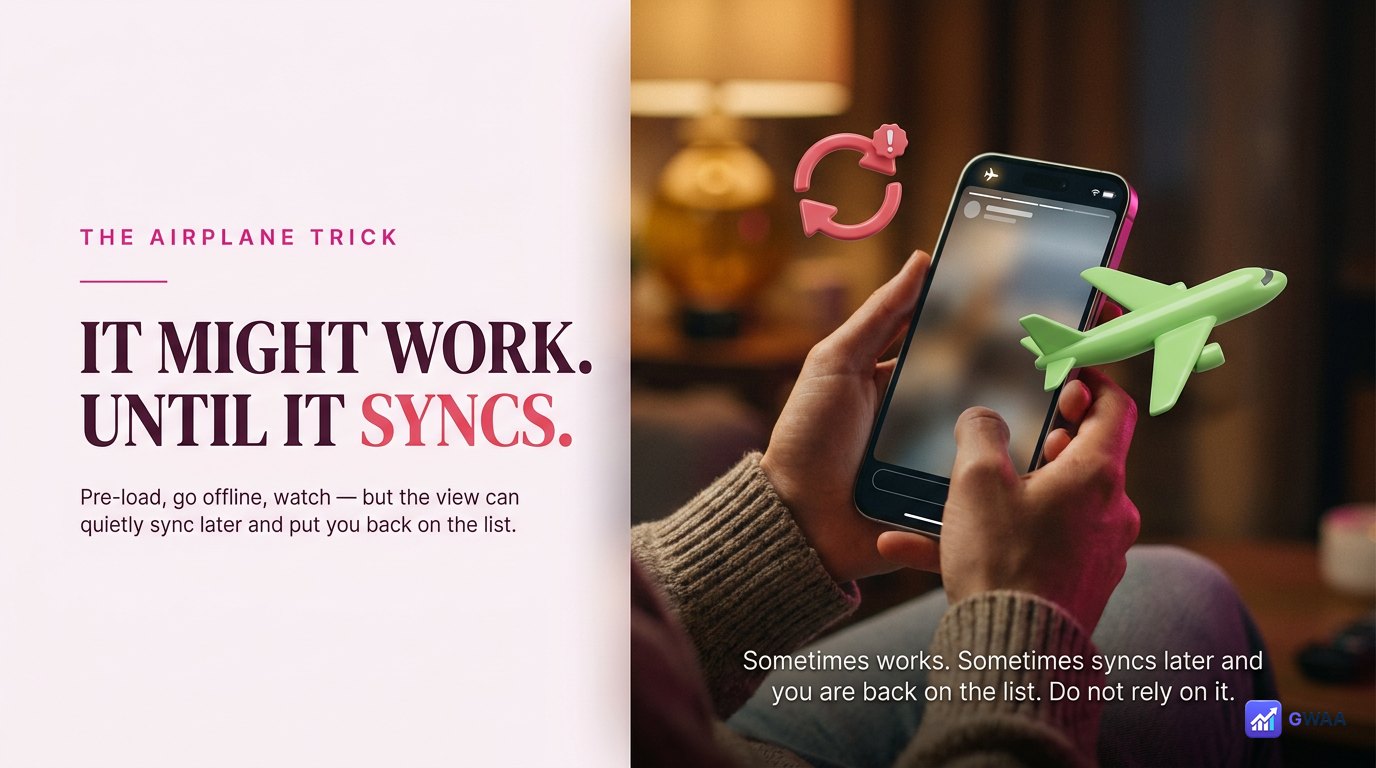
The viral trick: open Instagram, let stories pre-load, turn on airplane mode, watch. The idea is that without internet, the view event can’t reach Instagram, so you stay anonymous. The reality:
- The Instagram app caches view events while offline.
- When you reconnect — minutes or hours later — the queued events sync, sometimes silently.
- The result is that your view sometimes registers and sometimes doesn’t. There’s no way to know which.
- App updates change the behaviour without warning.
For anything where it actually matters that you stay anonymous, do not rely on this trick. Use a web viewer.
When does a burner account make sense?
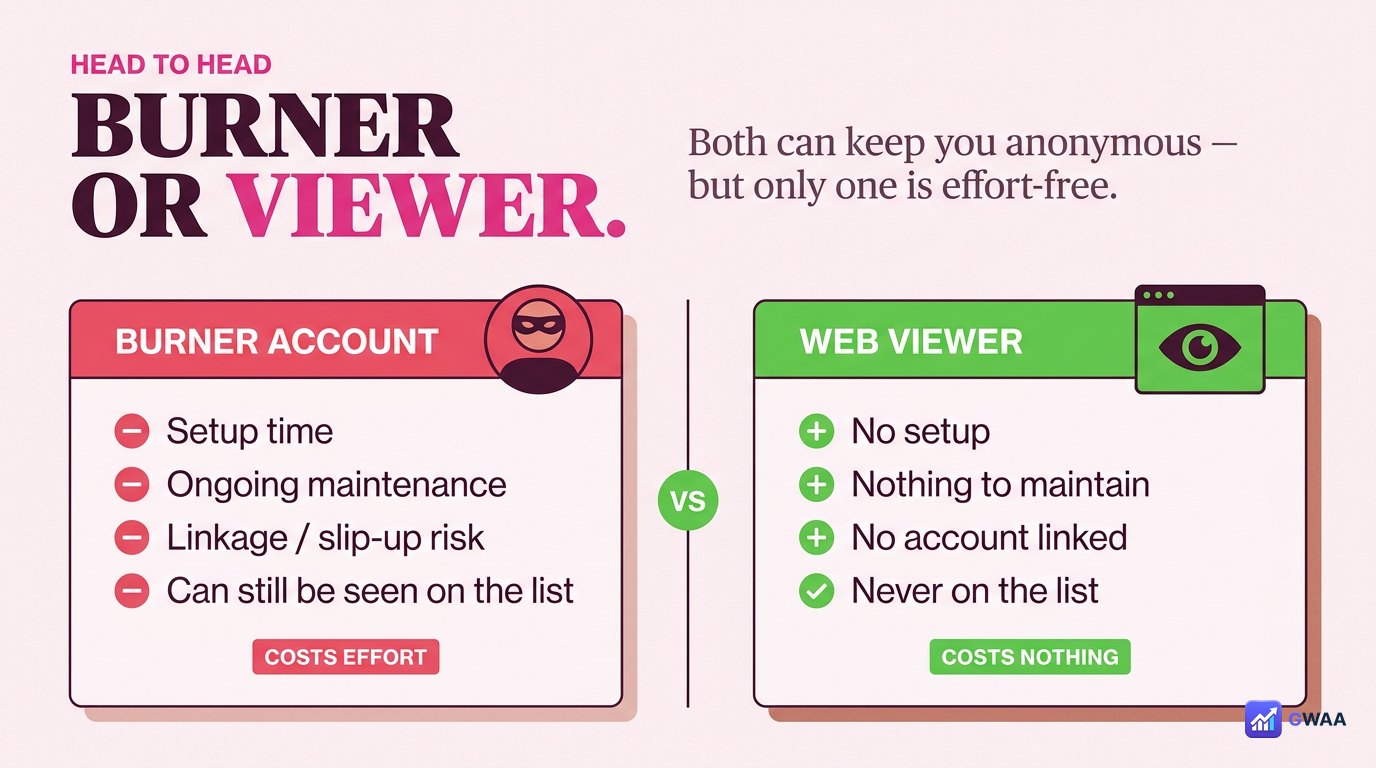
A burner account — a second Instagram account that isn’t linked to your real one — works for anonymous viewing in the technical sense. It also has real costs:
- Setup work. A new email, a username Instagram doesn’t auto-suspend, an avatar that isn’t obviously you.
- Slip-up risk. One like, comment, or follow from the wrong account blows the cover.
- Suspension risk. Instagram routinely culls accounts that look automated or fake.
- Ongoing hygiene. Remember to log out before posting from your real account.
For most people, a web viewer wins because it has all the upside (no view registered) with none of the work. Burners make sense in narrow professional cases — investigative journalism, security research, brand intelligence where any third-party fingerprint matters.
Anonymous viewing vs. private accounts
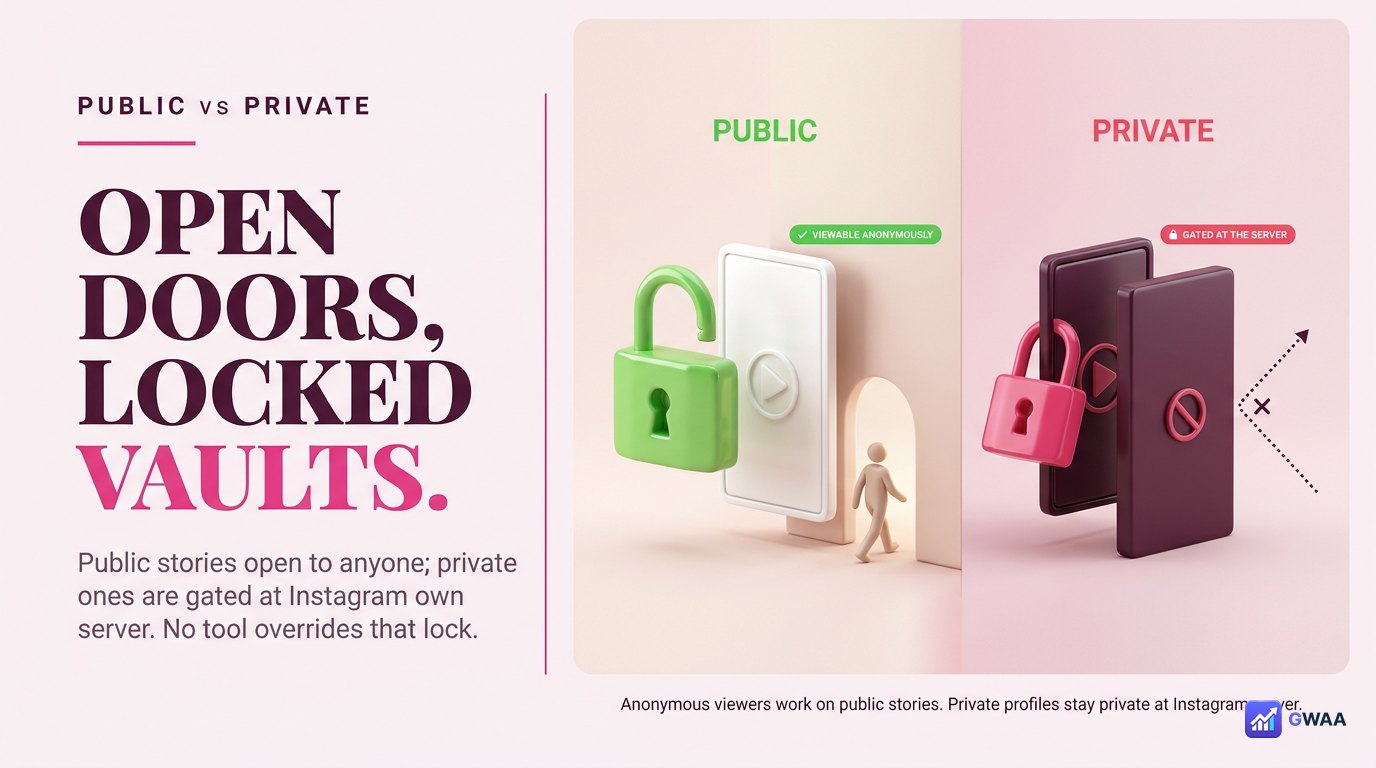
Every honest anonymous viewer draws the same hard line: public accounts only. Private accounts — the ones with the padlock icon — are gated at Instagram’s server. Instagram refuses to release that media to anyone outside the approved follower list. No tool overrides this, anonymous or otherwise. That is the correct design.
Tools that claim to view private accounts without login are lying. They’re either stealing the password you give them, serving fake content, or routing you through ad-fraud surveys. The reliable rule: anonymous viewing extends what you can do with the public web, not what you can do with private content.
Is anonymous story viewing safe and legal?
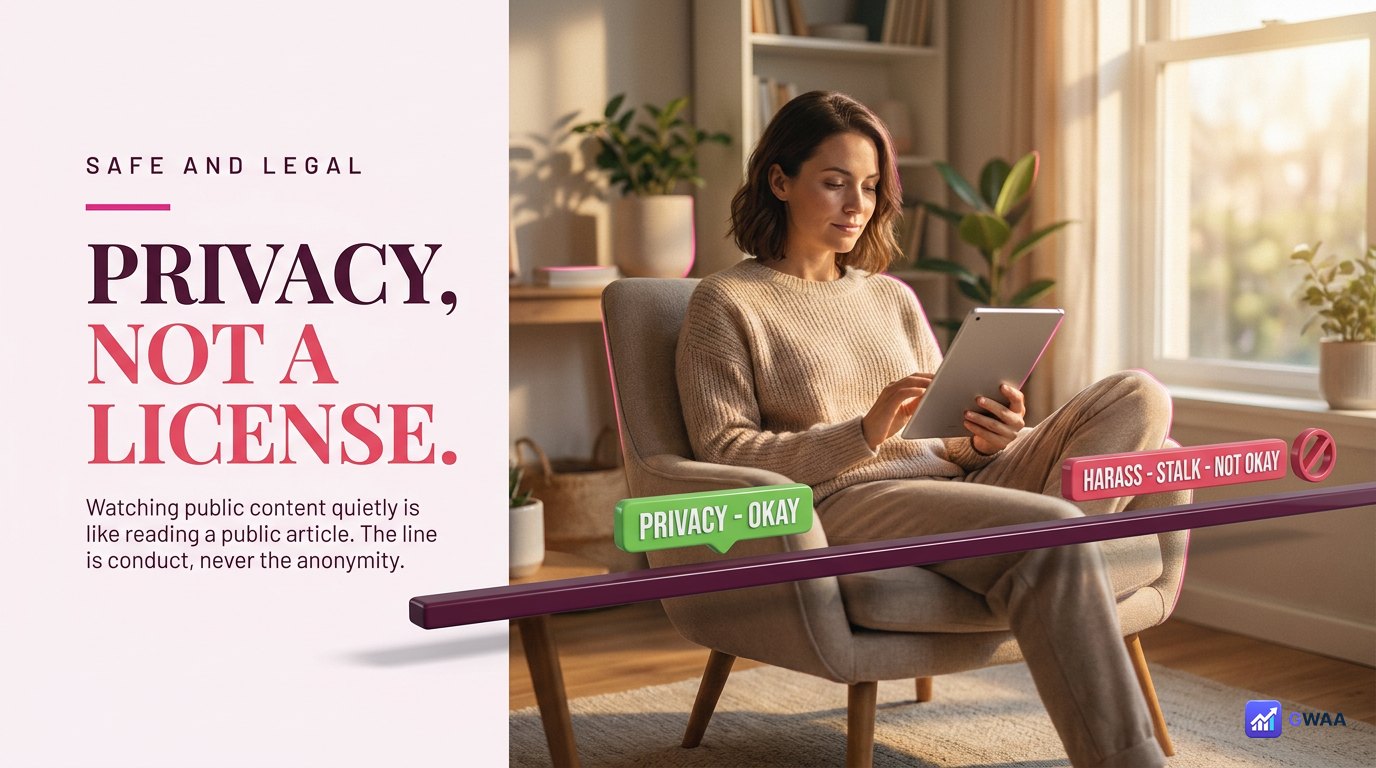
Watching public content anonymously is the same activity as reading a public blog post or newspaper article without subscribing. It is legal in every jurisdiction we’re aware of and morally the same default a thousand other websites use. The line between okay and not-okay is not the anonymity — it’s what you do with what you see.
Legal and kind:
- Watching public stories for your own use — research, curiosity, reference.
- Respecting the creator. If you re-share, credit them.
- Treating people as you would be treated.
Not okay, anonymous or not:
- Stalking, harassment, intimidation.
- Impersonation; pretending to be someone else.
- Targeting minors.
- Lifting someone’s work and re-uploading it as your own.
Anonymity is privacy, not licence. If you would not do it under your own name, the absence of a name does not change the answer.
A safe anonymous-viewing checklist
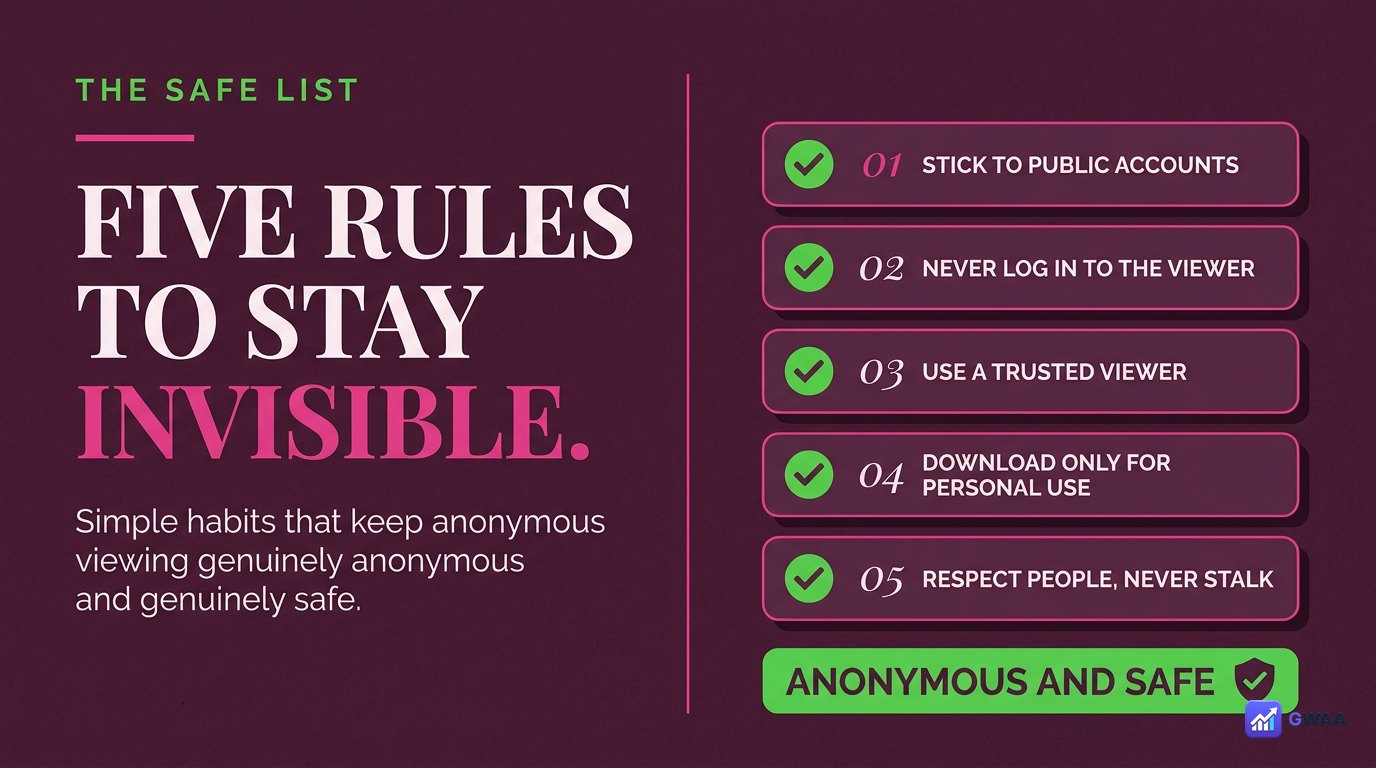
Five rules that keep anonymous viewing actually anonymous and actually safe:
- Use a web viewer, not the Instagram app. The app always logs the view.
- Type only a public username. No tool should ever ask for your password.
- HTTPS only. Padlock icon in the browser bar before you trust the page.
- Never trust private-account promises. They are always a scam.
- Pair viewing with download if it matters. Save the original file while the story is still live.
Real-world examples of who uses it daily
Anonymous viewing is rarely about secrecy and almost always about the same handful of everyday reasons. Once you start asking, almost everyone has used one in the last month:
- The exit-curious. You parted ways with someone — a friend, an ex, an old colleague — and occasionally want to confirm they’re alright without sending a signal that you’re still in their orbit.
- The pre-meeting researcher. A job interview, a sales call, a partnership conversation. You want to know what tone the other side strikes publicly without showing up in their watch log the morning of the meeting.
- The competitive watcher. A brand manager checking the launch sequence of a rival. A creator studying the format of a bigger account. A journalist confirming a source’s public posture.
- The cautious parent. Quietly checking whether a child’s tagged account is behaving sensibly, without making the check itself a confrontation.
- The deleted-account person. Someone who left Instagram years ago and occasionally still needs to see a specific public story — without re-creating an account for it.
None of these are extraordinary. Anonymous viewing simply puts the default back where you would expect it on any other website: reading something does not announce you to its author.
So which method should you use?
For watching stories anonymously, a web viewer is the right default in almost every case. It’s free, requires no setup, no Instagram account, no app install, and the anonymity is structural — not a marketing promise. The owner’s Viewers panel never sees your name because your name never entered the request.
Use it on public content, with respect for the people on the other side, and the line stays clean. Anonymous viewing is privacy — one of the cleaner ones the modern internet still offers — not licence to do anything you wouldn’t do under your own name.
For more on the underlying mechanics of how Instagram detects views, see the official Instagram Help Center on stories.