
Yes, you can see who viewed your Instagram story — open the story while it’s still active (within 24 hours), swipe up from the bottom or tap “Seen by X”, and the full viewer list appears. Only you can see this list. Profile views (who looked at your bio without watching a story) are NOT available — that feature does not exist on Instagram, and any app claiming to show it is a scam.
⚡ Key takeaways
- Story viewer list: yes, visible to you within the 24-hour window.
- Profile views: no such feature exists. Apps claiming otherwise are scams.
- Viewer order is weighted by interaction, not strict chronology.
- Anonymous viewers (web tools) don’t appear in your list.
- Screenshots of your story do NOT notify you. Likes do.
How to see who viewed your story
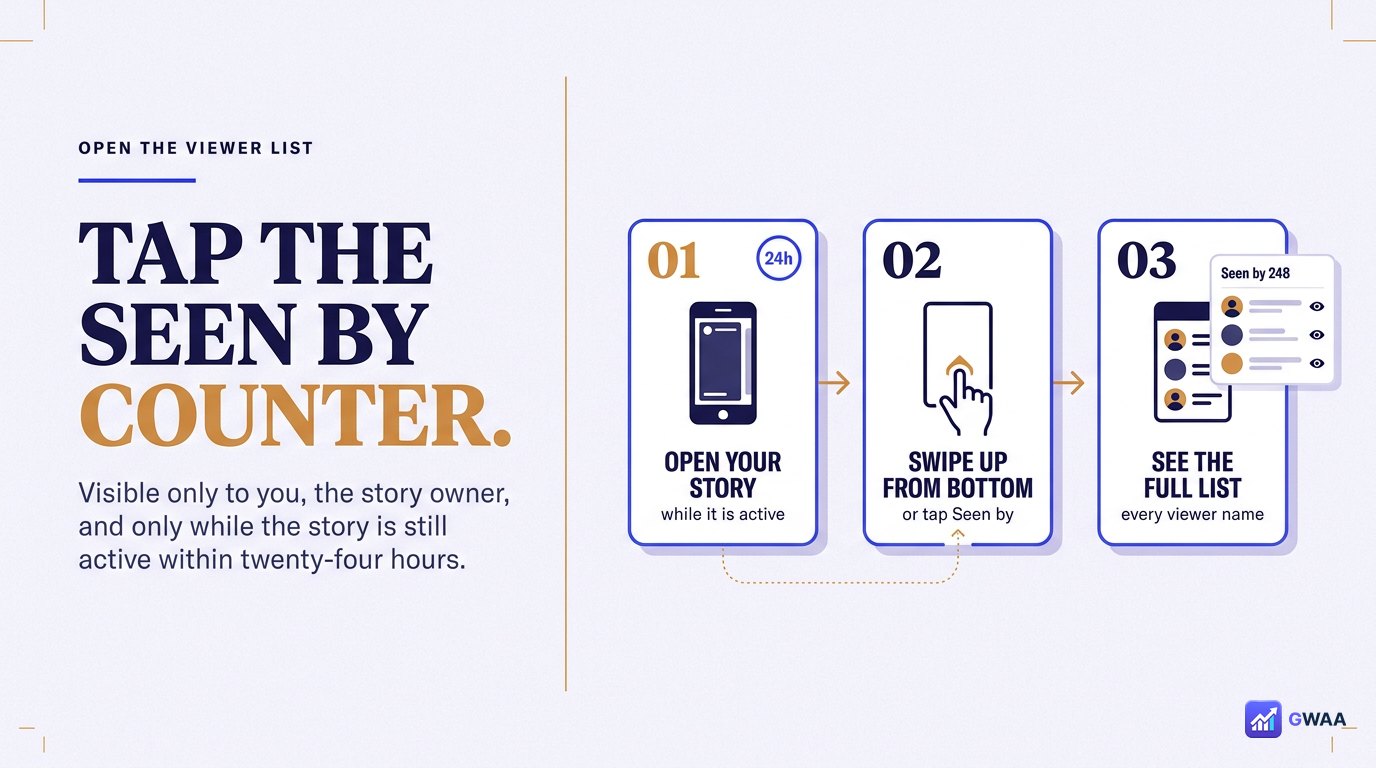
The viewer list is only visible to you, the story owner, and only while the story is still active (within 24 hours of posting). Here’s how to open it:
- Open your own story by tapping your profile picture at the top of the feed.
- While the story is playing, look at the bottom of the screen — you’ll see a row of small avatars and the text “Seen by X” or “Activity”.
- Tap “Seen by X” (or swipe up). The full list of viewers opens.
- Scroll to see every account that watched. Tap any username to visit their profile.
The list shows username, avatar, and a small “Follow” or “Following” pill on the right depending on your relationship to them.
What the viewer order actually means
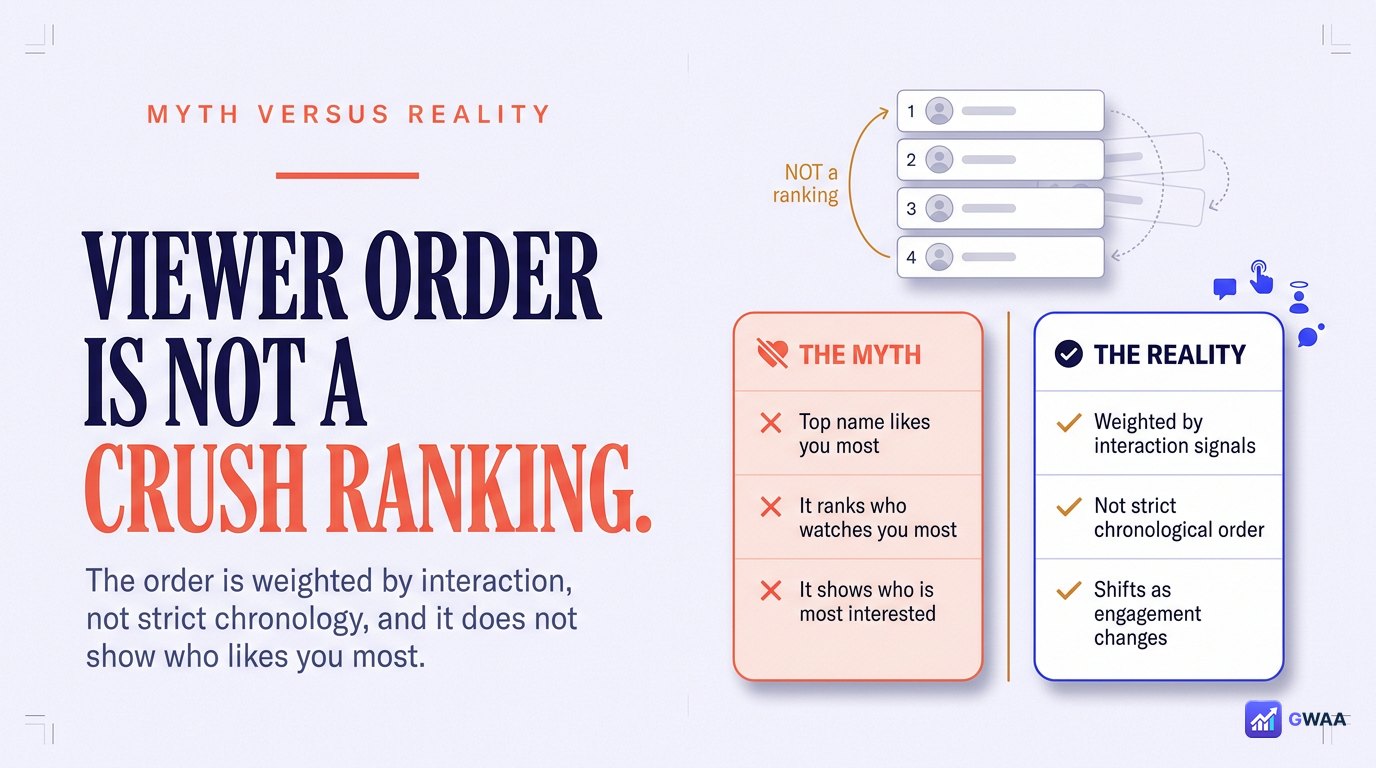
One of the most-repeated myths on the internet: that the order of names in your viewer list reflects who likes you the most, or watches you the most, or is “most interested”. This is wrong.
Instagram’s own engineers have addressed this directly: the order is influenced by a weighted combination of factors including:
- How frequently you interact with each viewer’s content (likes, comments, DMs).
- How frequently each viewer interacts with your content.
- Some weighting toward recency of view, but NOT strictly chronological.
- Engagement algorithms similar to the feed-ranking algorithm.
What the order does NOT mean: it’s not a stalker indicator, it’s not who has a crush on you, it’s not who watches you most often, and it’s not who likes you most. Stop reading anything into it.
Can you see who viewed your profile?
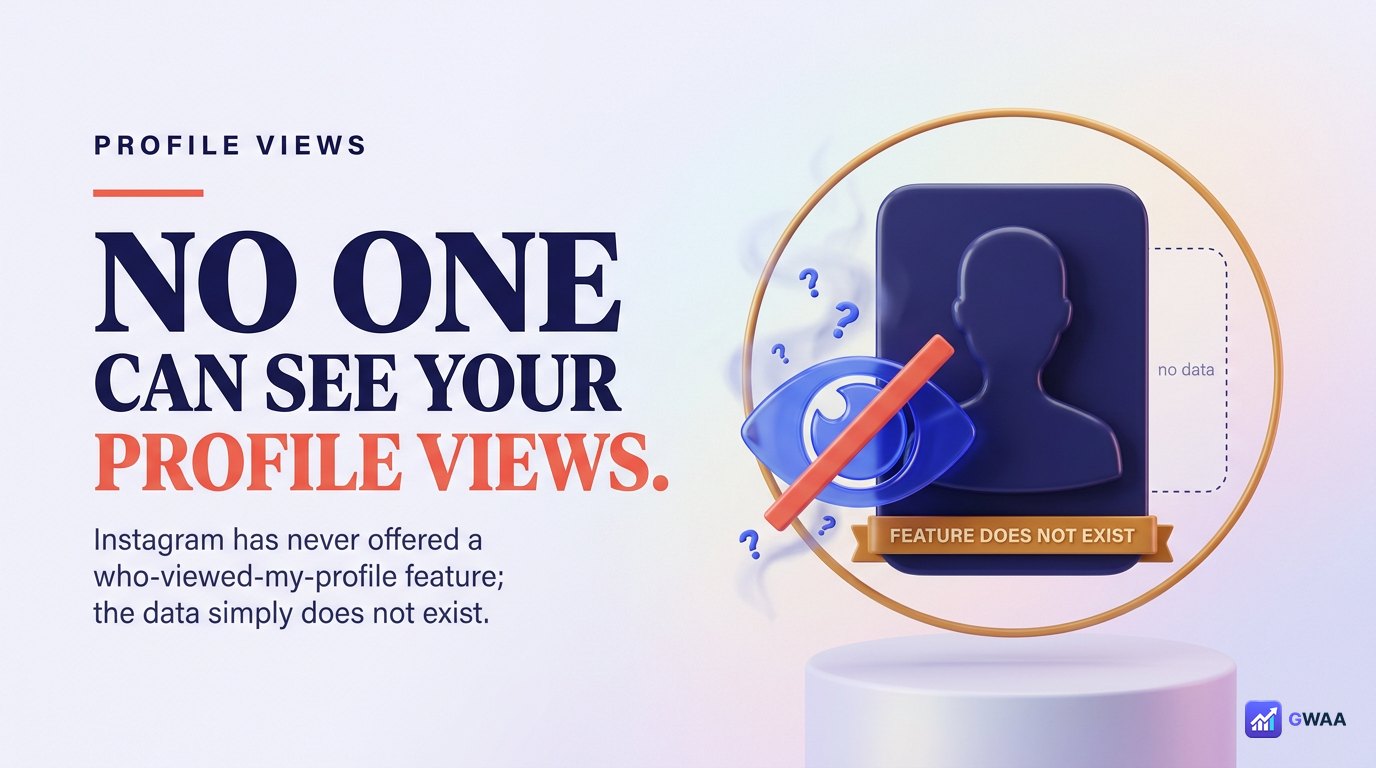
No. Instagram does not offer a “who viewed my profile” feature, and never has. You can see who watched your story or interacted with a post, but you cannot see who simply visited your profile page without doing anything else.
This is a permanent design choice from Instagram (and Meta-owned platforms in general). It will not be added; it will not be available in some hidden setting; it will not appear in any future version of the app.
Apps and websites that claim to offer this feature are always scams. They typically work by:
- Asking for your Instagram password (which they then steal or sell).
- Showing made-up fake usernames as “viewers” to keep you hooked.
- Running you through ad-fraud surveys or forced app installs.
If a tool promises to show you who viewed your profile, close the tab. There is no honest version of that promise.
Why some viewers don’t show up
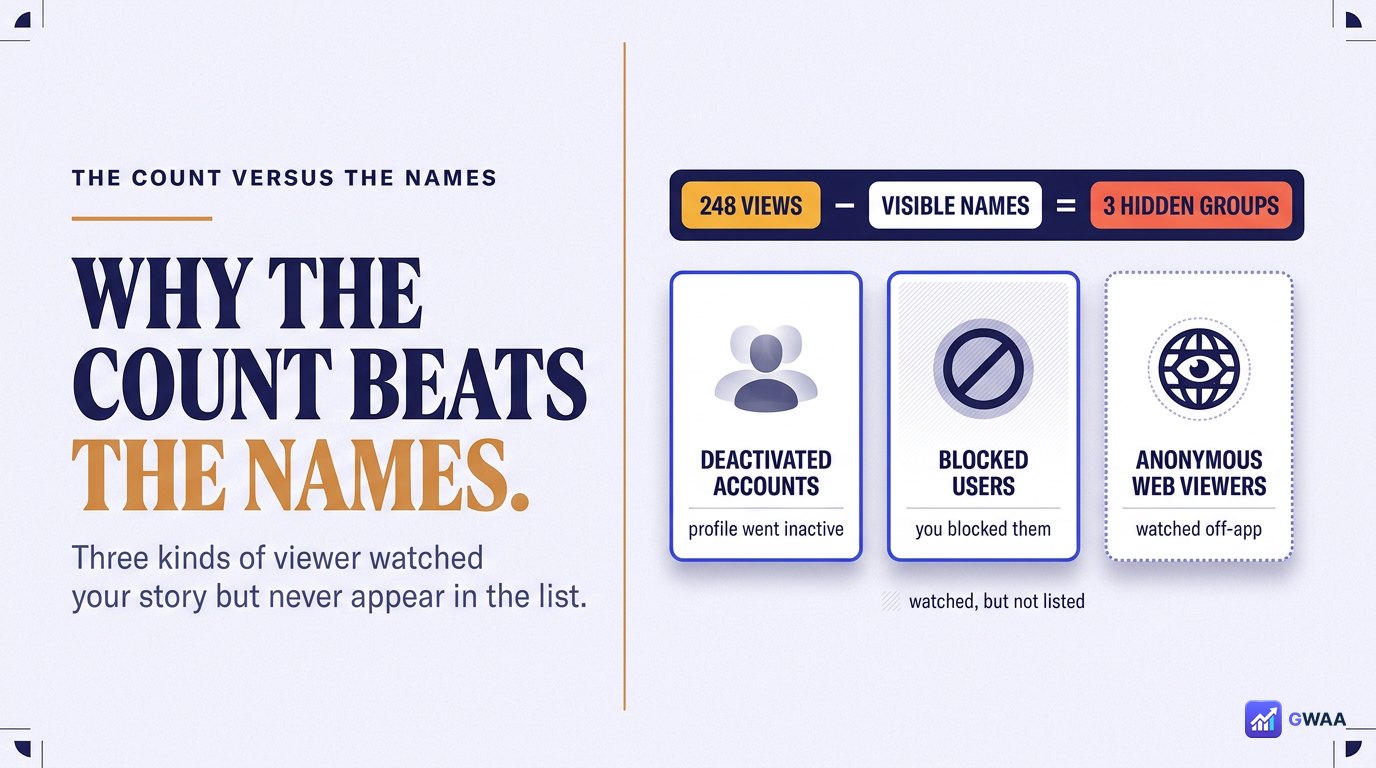
If you notice your viewer count is higher than the number of names you can see, three categories of viewer don’t appear in the list even though they technically watched:
- Deactivated accounts. If someone temporarily deactivates their Instagram account after watching your story, their name disappears from the viewer list. The view still counted, but the name no longer renders.
- Blocked users. If you blocked someone after they watched your story, they’re hidden from your viewer list.
- Anonymous web viewers. People watching through third-party web viewers (GWAA Story Viewer, StorySaver, etc.) never appeared in the list in the first place — their view fires from the tool’s server, not their Instagram account.
If your view count is exactly the same as your name list, none of the above applied to your particular story.
Story views vs. story likes
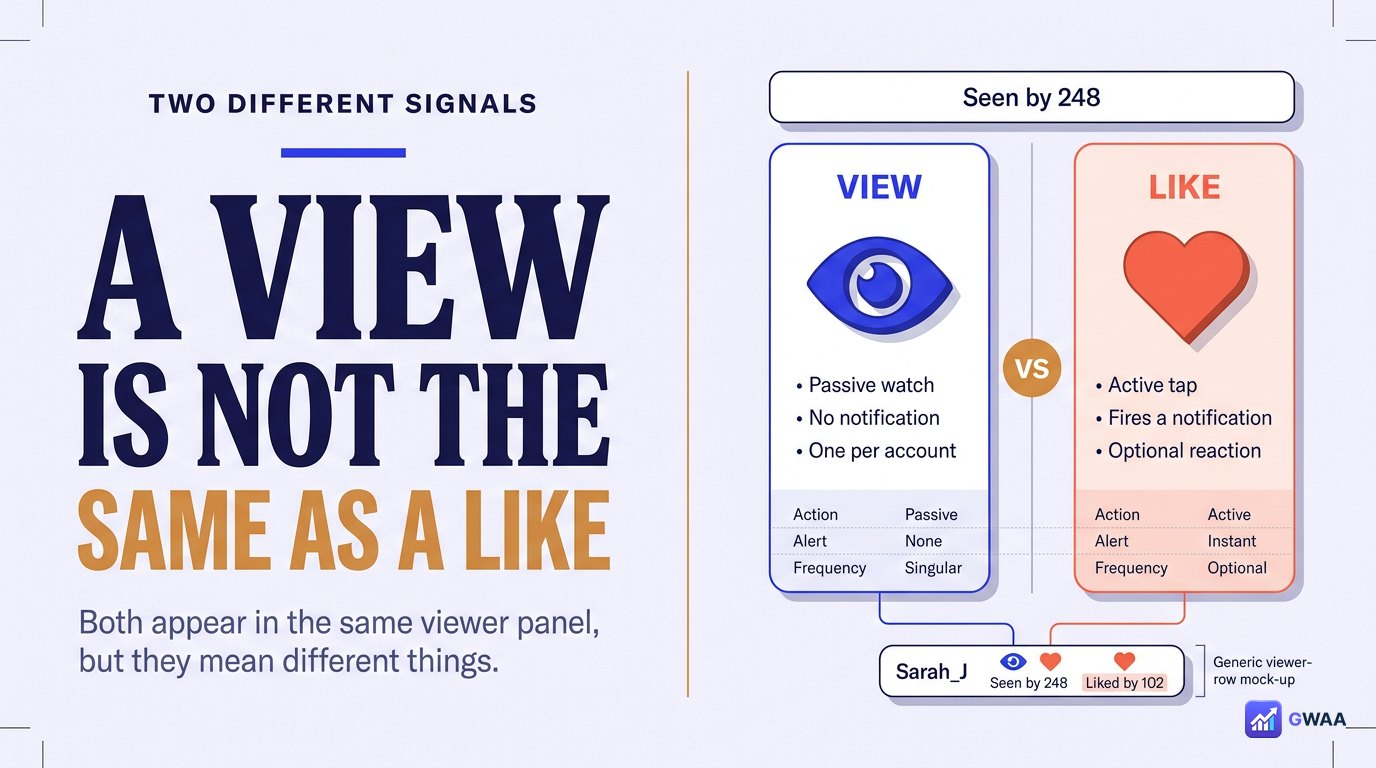
Instagram has two distinct signals for stories:
- Story view (eye icon): Someone watched the story. Appears in your viewer list automatically. No notification fires.
- Story like (heart icon): Someone tapped the heart on the story. Appears in the same viewer list with a heart beside the username. Sends a notification to your Activity tab.
The viewer panel shows both at once — tap into it and you’ll see usernames with either an eye icon (passive view) or a heart icon (active like). Story likes are a relatively new feature; older accounts may have viewers with no like indicator at all.
Can you tell if someone watched more than once?
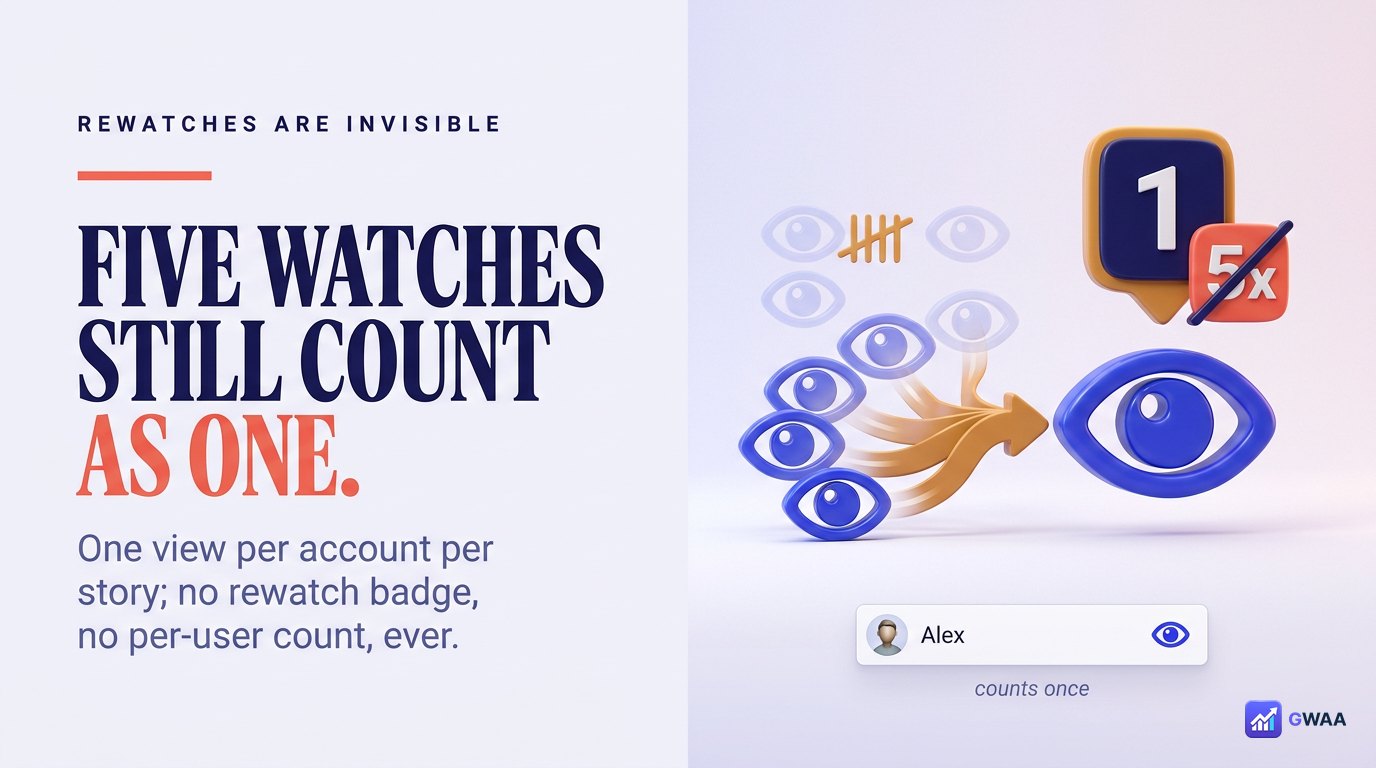
No. Instagram counts one view per account per story. If someone watches your story five times in a row, your viewer list shows them once with one eye icon — identical to someone who watched once and moved on. There is no rewatch indicator, no view count per user, no “watched 5 times” badge.
The viewer count number at the bottom of your story increments per unique account, not per view. Even if you log out and back in to view your own story, that’s still one count.
Does liking or screenshotting a story notify them?
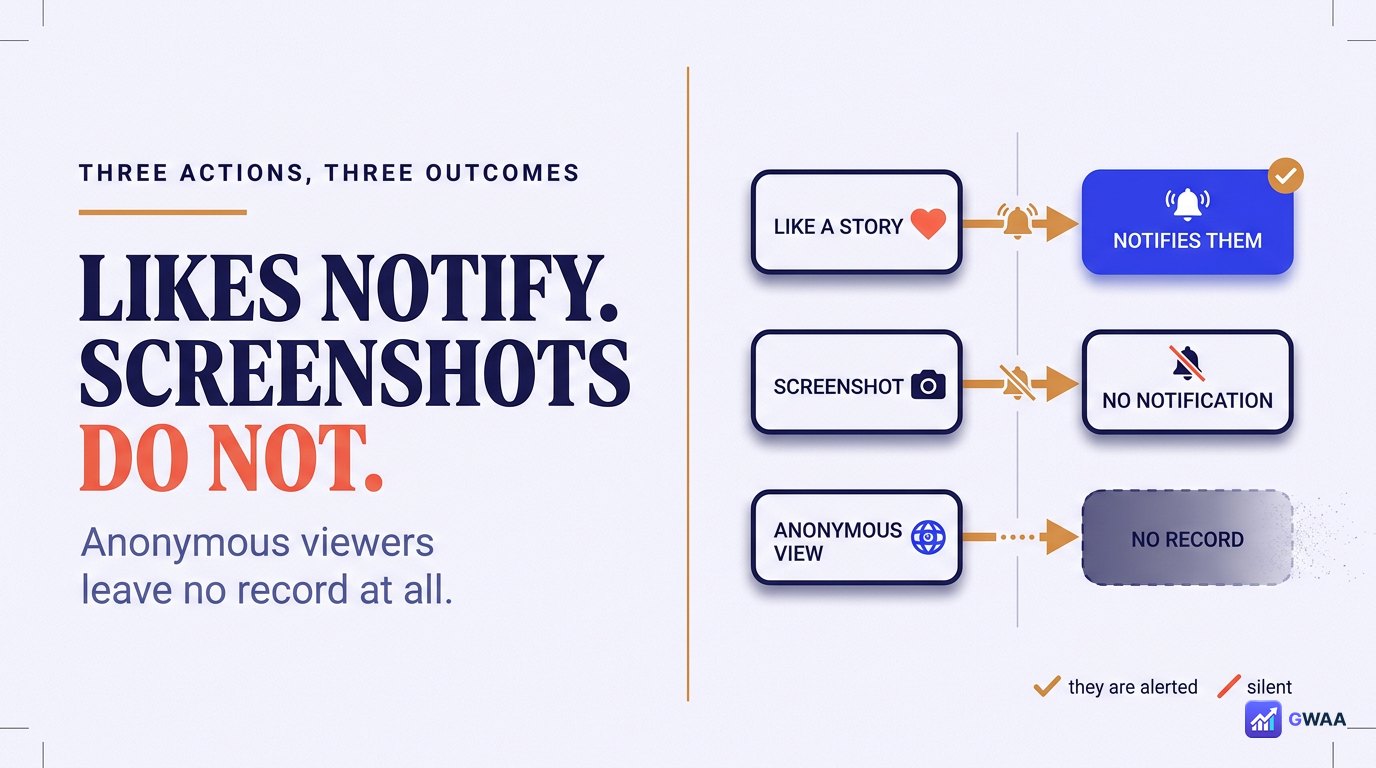
Three actions, three different outcomes:
- Like a story (heart tap): Sends a notification to the owner. Appears in their Activity feed.
- Screenshot a story: Does NOT notify the owner. Instagram briefly experimented with screenshot notifications in 2018 but removed the feature. Screenshotting a story now is completely silent.
- View through a web viewer: Does not register at all — your view event never fires.
This is a relief for many users worried about screenshotting friends’ stories for memory. Go ahead — they won’t know. Likes are the one action that breaks anonymity; everything else is silent.
Story views vs. insights on business accounts
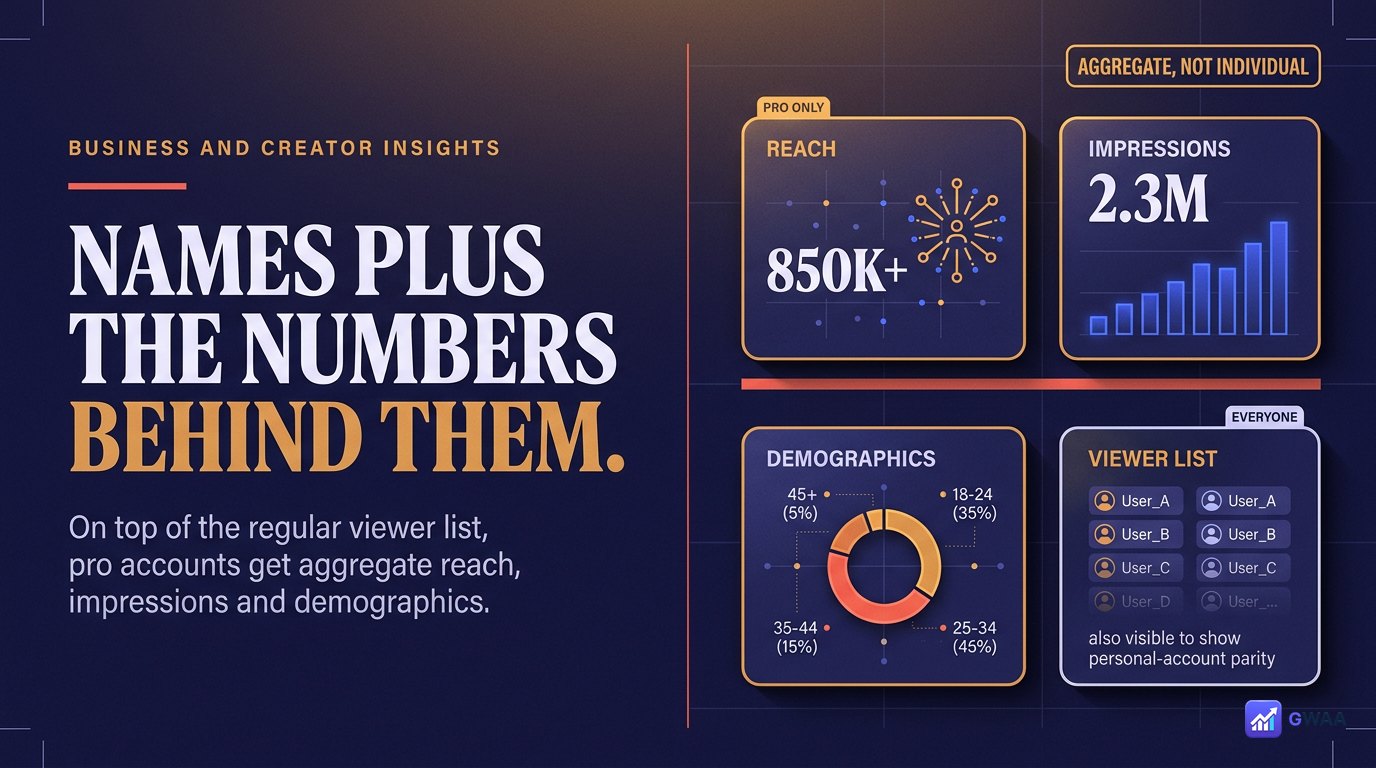
If you have an Instagram business or creator account, you get additional insights on your stories that personal accounts don’t see:
- Reach: Unique account count for the story.
- Impressions: Total view count (may exceed reach if people rewatch).
- Engagement metrics: Story replies, shares, exits, taps-back, taps-forward.
- Audience demographics: Aggregate age, gender, location of viewers.
Important distinction: these insights are aggregate. You still can’t see who individually exited or replayed — just totals. Demographics are aggregate too — not “Alex Smith is 28 from Berlin” but “31% of viewers are 25-34 in Germany”.
Can you hide that you viewed someone’s story?
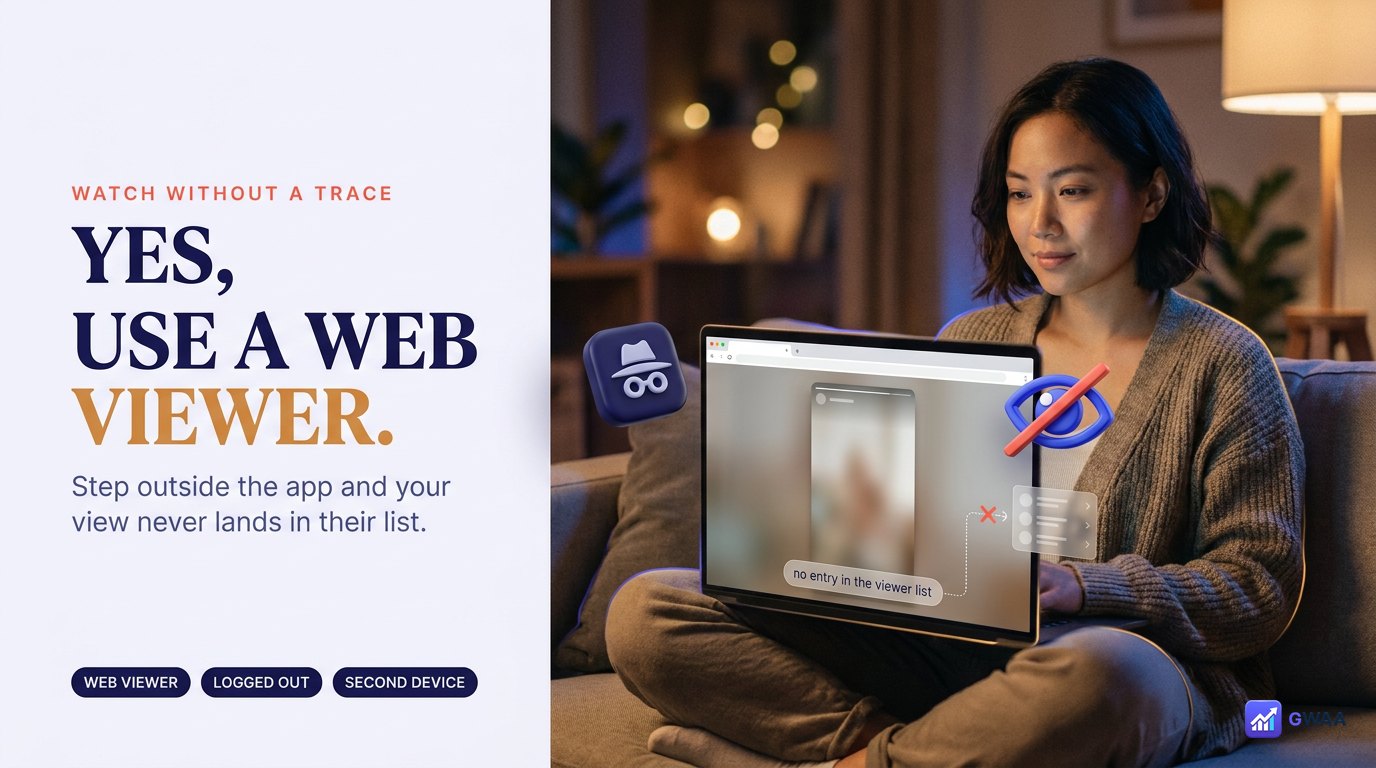
Yes — but only by stepping outside the Instagram app entirely. Three options:
- Use a web-based story viewer. Tools like GWAA Story Viewer, StorySaver.net, SnapInsta. The story plays in your browser via server-side fetch; your account never enters the request; the owner’s viewer list never shows your name. This is the most reliable approach.
- Use a burner Instagram account. Create a second account that isn’t linked to your real identity. Your real name doesn’t appear, but the burner’s name does — and Instagram occasionally bans obviously fake accounts.
- Airplane-mode trick: Load stories online, switch to airplane mode, watch. Unreliable — views often sync the moment you reconnect.
The web-viewer approach is the cleanest. Read our full guide on how to view Instagram stories anonymously for the detailed walkthrough.
Close Friends and private stories
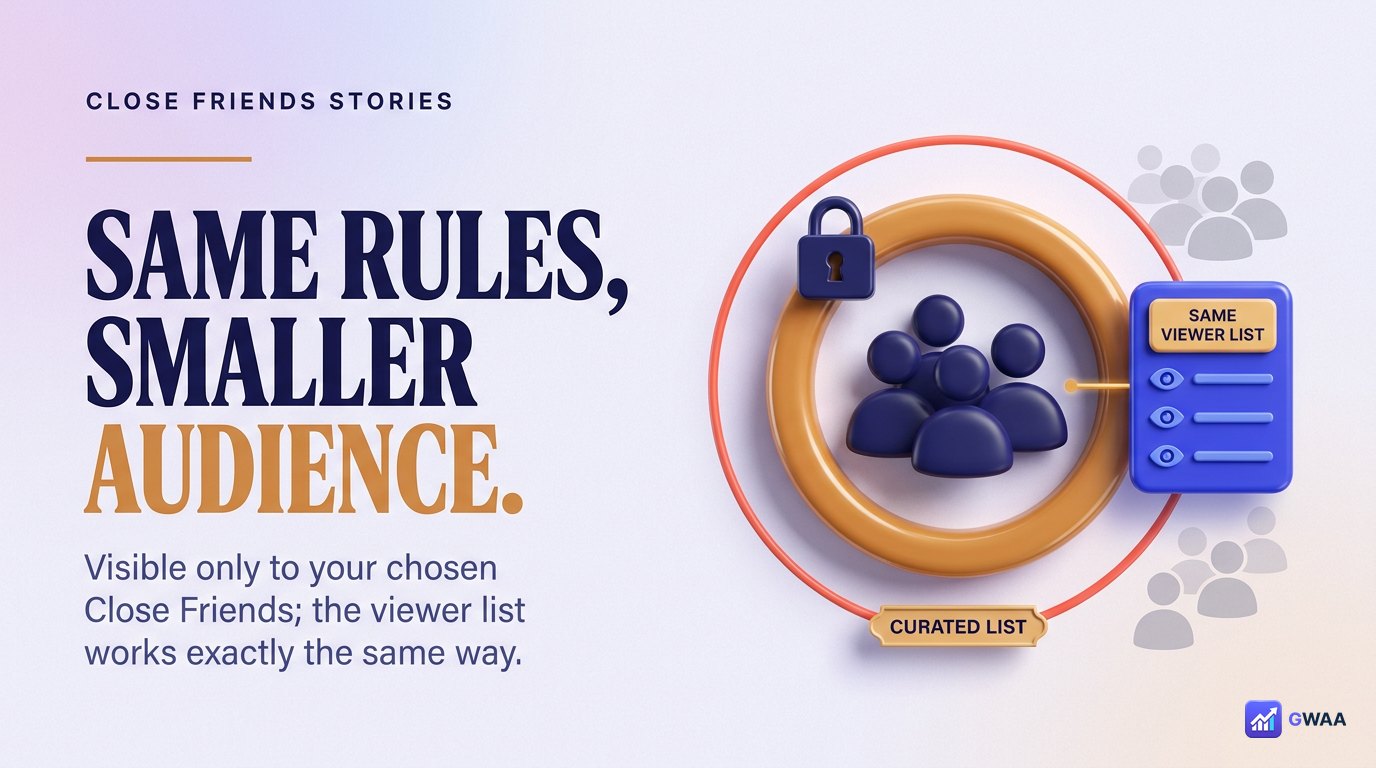
Instagram’s Close Friends feature lets you share stories with a curated smaller list rather than all your followers. From the viewer list perspective:
- You see the viewer list just like a regular story (only your Close Friends could view, so those are the only names that can appear).
- Viewers see a green star icon on the story to indicate it’s a Close Friends story.
- The same rules apply: views logged, anonymity through third-party tools impossible (Close Friends content is private, no honest tool reaches it).
- Likes still fire notifications; screenshots still don’t.
Same applies to fully private accounts: stories are only viewable by approved followers, and the viewer list works identically — only those followers’ names appear.
What the story view count actually includes
The number at the bottom of your story (“Seen by 127”) is the count of unique Instagram accounts that loaded your story media. Important nuances:
- It does NOT count your own views. Loading your own story doesn’t increment the count.
- It counts each account once. Five rewatches by the same account = one count.
- It includes Instagram’s back-end loads. A small number of views happen automatically (preview generation, etc.) but these are normally absorbed into the count.
- It excludes web-viewer fetches. Anonymous third-party views never increment your Instagram-side count.
So a viewer count of 127 means 127 unique Instagram accounts (other than you) loaded the story through the official app or website.
Avoid ‘who viewed your profile’ tracker apps
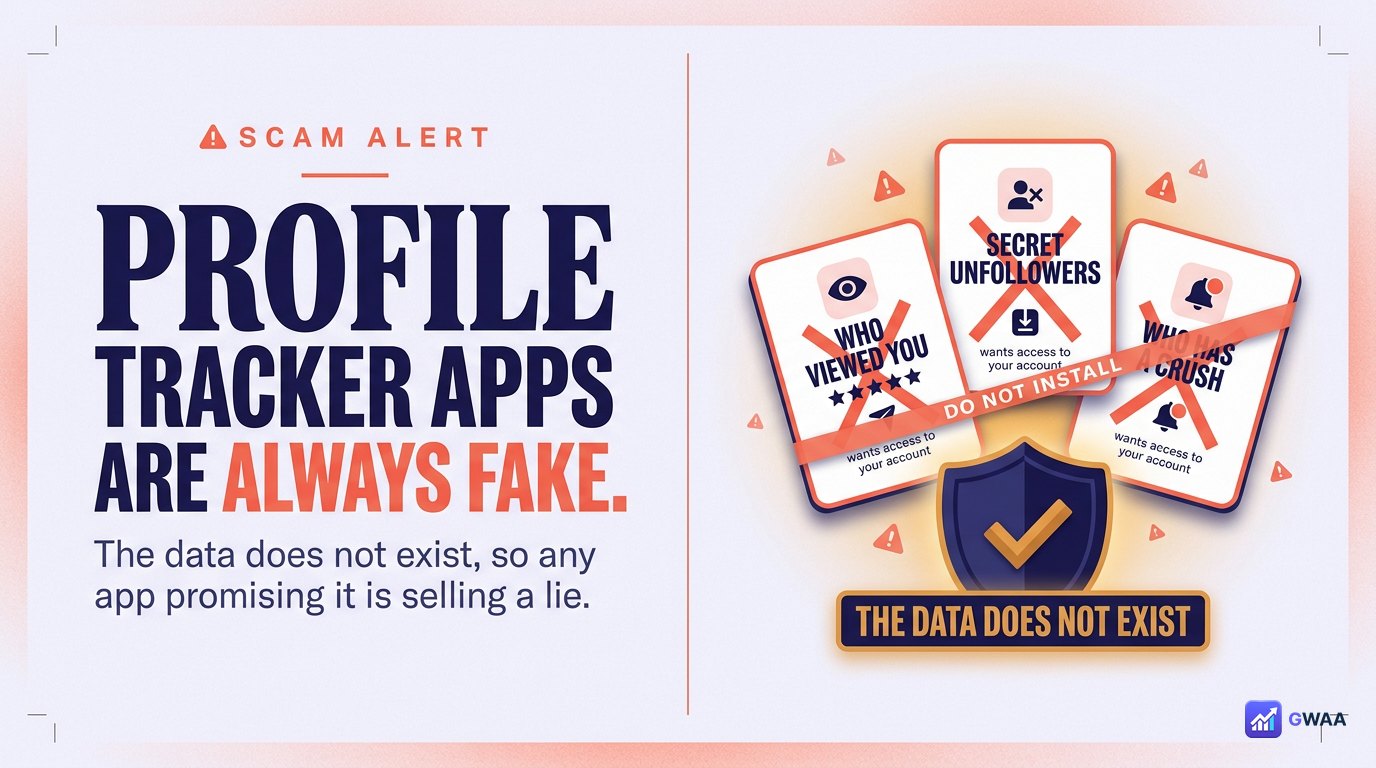
The single most common Instagram-related scam: apps promising to show you who viewed your profile, who unfollowed you secretly, who has a crush on you, who’s stalking you. These are always scams because the underlying data does not exist — Instagram doesn’t track or expose profile-view data, period.
How these scams typically work:
- The app asks for your Instagram username and password (phishing).
- Once you log in, the app shows you a list of completely random usernames as “your viewers”.
- It demands a subscription or in-app purchase to “unlock the full list”.
- Meanwhile, your stolen credentials are sold or used to spam others from your account.
Two red flags that should always make you walk away:
- The tool asks for your Instagram password (legitimate tools NEVER need it).
- The tool claims to show profile-view data (impossible — the data does not exist).
The bottom line
For Instagram stories, you can see exactly who viewed each one — in your viewer panel, within the 24-hour active window. The order is weighted by your interaction with each viewer, not by who likes you most. Anonymous third-party viewers and deactivated accounts don’t appear in the list. Likes notify you; screenshots and views do not.
For profile views (people who looked at your bio without watching a story or post), the feature does not exist. No app, no website, no Instagram setting will ever show you this. Anyone claiming to is selling you something else — usually phishing for your password.
The clean rule of thumb: if it’s a real Instagram feature, it’s in the Instagram app itself. The app is mature; if something existed and Instagram wanted you to have it, it would be a tap or two away. Anything that requires a third-party app, password entry, or paid “unlock” is selling you a feature that simply doesn’t exist on Instagram’s side. Save your time and your password.
One closing thought: the social signal of who watches your stories is intentionally limited by Instagram’s design. Profile views, screenshot counts, rewatch counts — all deliberately absent. Embrace the privacy that creates and stop searching for tracker apps that promise to fill the gap.