
No. Instagram does NOT notify when you screenshot stories, posts, reels or profiles. The only exception: screenshotting a disappearing photo or video sent in a DM (the “view once” or “replay-once” format) fires a notification to the sender. Regular DMs, stories, posts, reels, profile views — all silent. Third-party apps that claim to detect screenshots are scams.
⚡ Key takeaways
- Stories: screenshots are silent. No notification.
- Posts and reels: screenshots are silent.
- Profile views: not detected at all (no feature exists).
- The one exception: disappearing DM photos/videos DO notify.
- Third-party “screenshot tracker” apps are always scams.
The honest 2026 answer
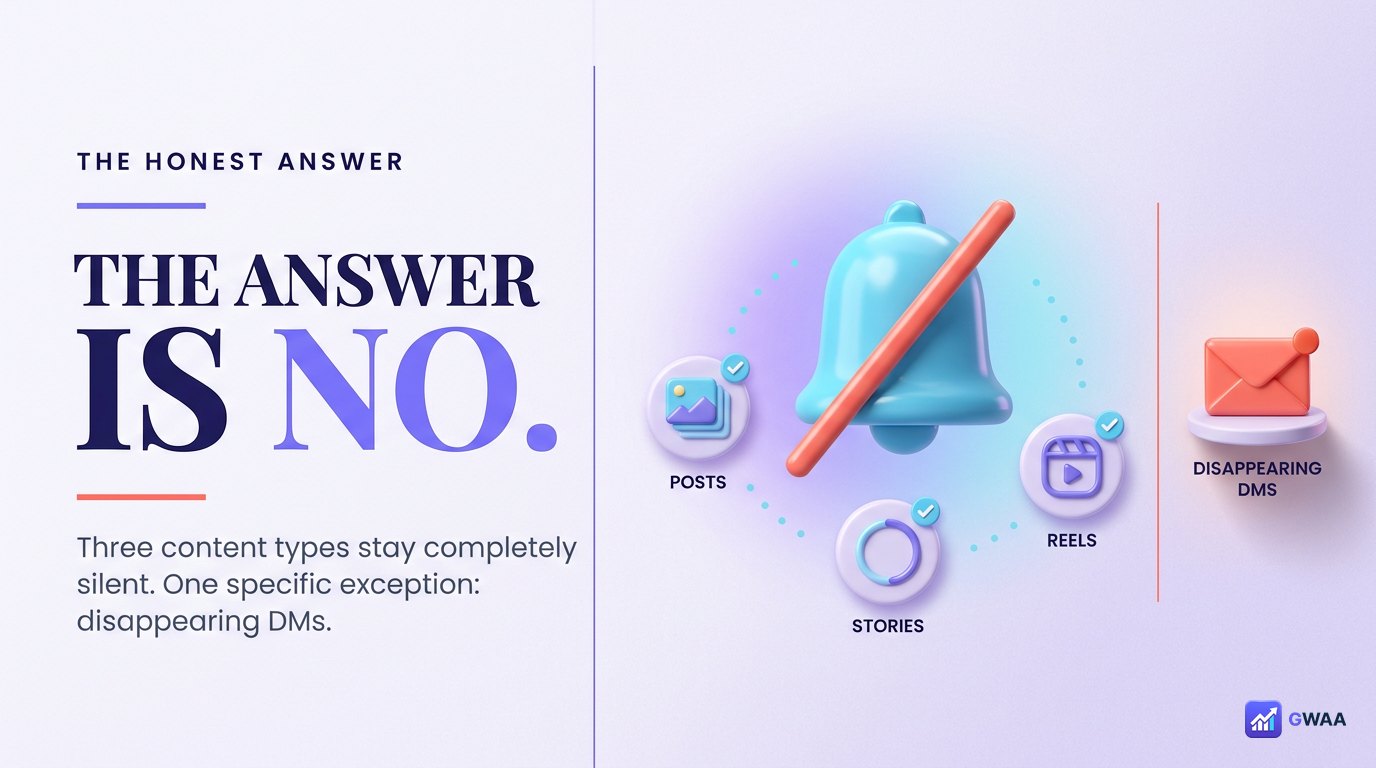
If you’re here because you want a quick yes/no, the answer is no — with exactly one specific exception (disappearing DMs). The misconception that Instagram notifies on screenshots is one of the most persistent myths on the internet, fueled by:
- A brief 2018 experiment that Instagram rolled back within weeks.
- Scam “screenshot tracker” apps that profit from the confusion.
- Confusion with Snapchat, which DOES notify on screenshots (different platform, different rules).
The reality: Instagram has no screenshot detection for stories, posts, reels, or profiles. None. Never has. Not in 2024, not in 2025, not in 2026.
A short history of Instagram screenshot detection
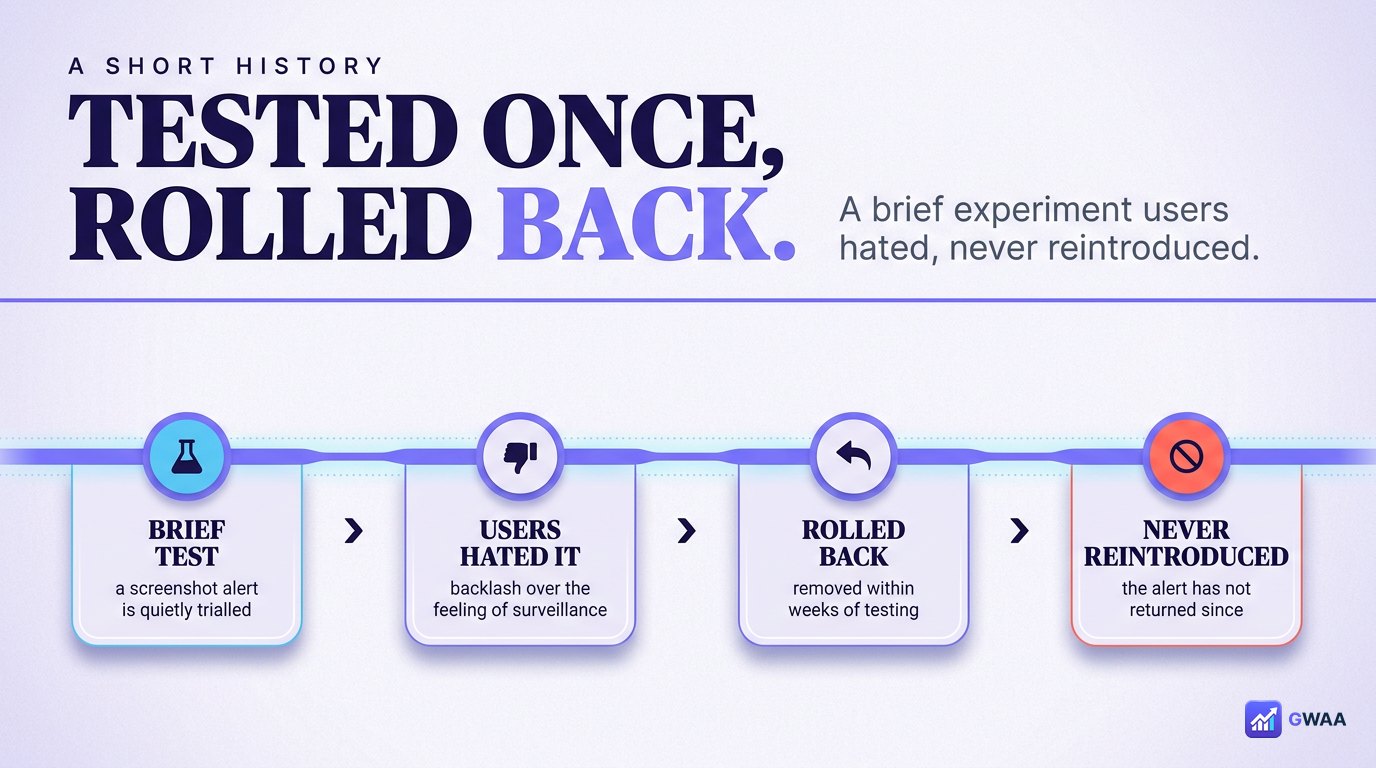
The confusion has a real source. In February 2018, Instagram quietly tested a feature where screenshotting a story would notify the story owner — similar to Snapchat. The test ran for a few weeks. Users hated it. Instagram rolled it back the same year, and it has never been re-introduced.
Despite that, the “Instagram notifies on screenshots” myth has stuck around for eight years because:
- Articles and threads from 2018 are still indexed and discoverable.
- The rollback didn’t get the same publicity as the launch.
- Many users tested it once in 2018, saw the notification, and remember it as the current default.
- Scam apps that promise “see who screenshotted” reinforce the myth for their own profit.
The one and only exception: disappearing DMs
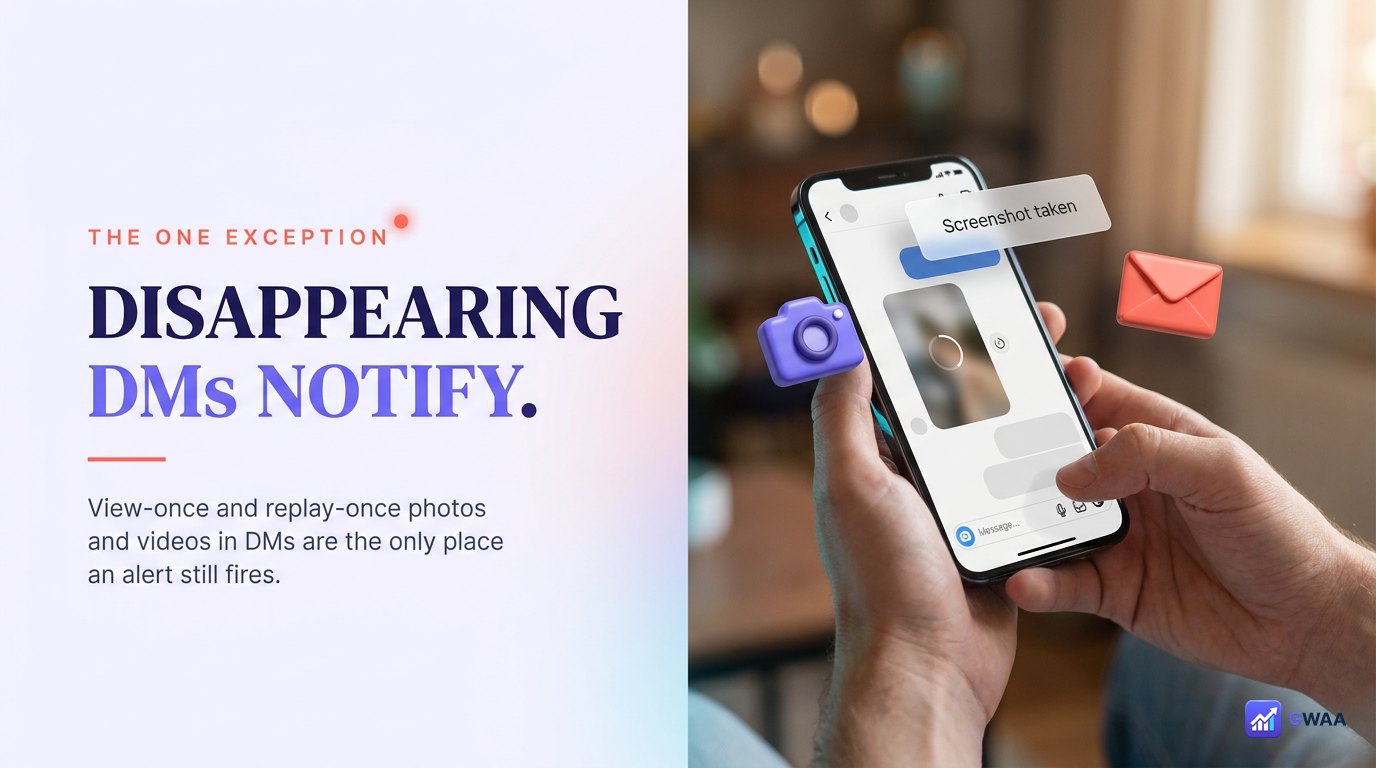
There is exactly one place where Instagram still notifies on screenshots: view-once and replay-once photos/videos sent in DMs.
When someone sends you a photo or video as “view once” (you can see it once and it disappears) or “allow replay” (you can see it twice, then disappears), and you screenshot it, Instagram tells the sender. They’ll see something like “Screenshot taken” in the chat.
Important nuances:
- This applies ONLY to view-once / replay-once mode. Regular DM photos/videos don’t trigger it.
- Both screenshots and screen recordings trigger the notification.
- Sending a regular photo (not view-once) and screenshotting it? No notification.
- This exception exists because the “view once” mode promises ephemerality — capturing it breaks the promise.
What doesn’t notify (everything else)
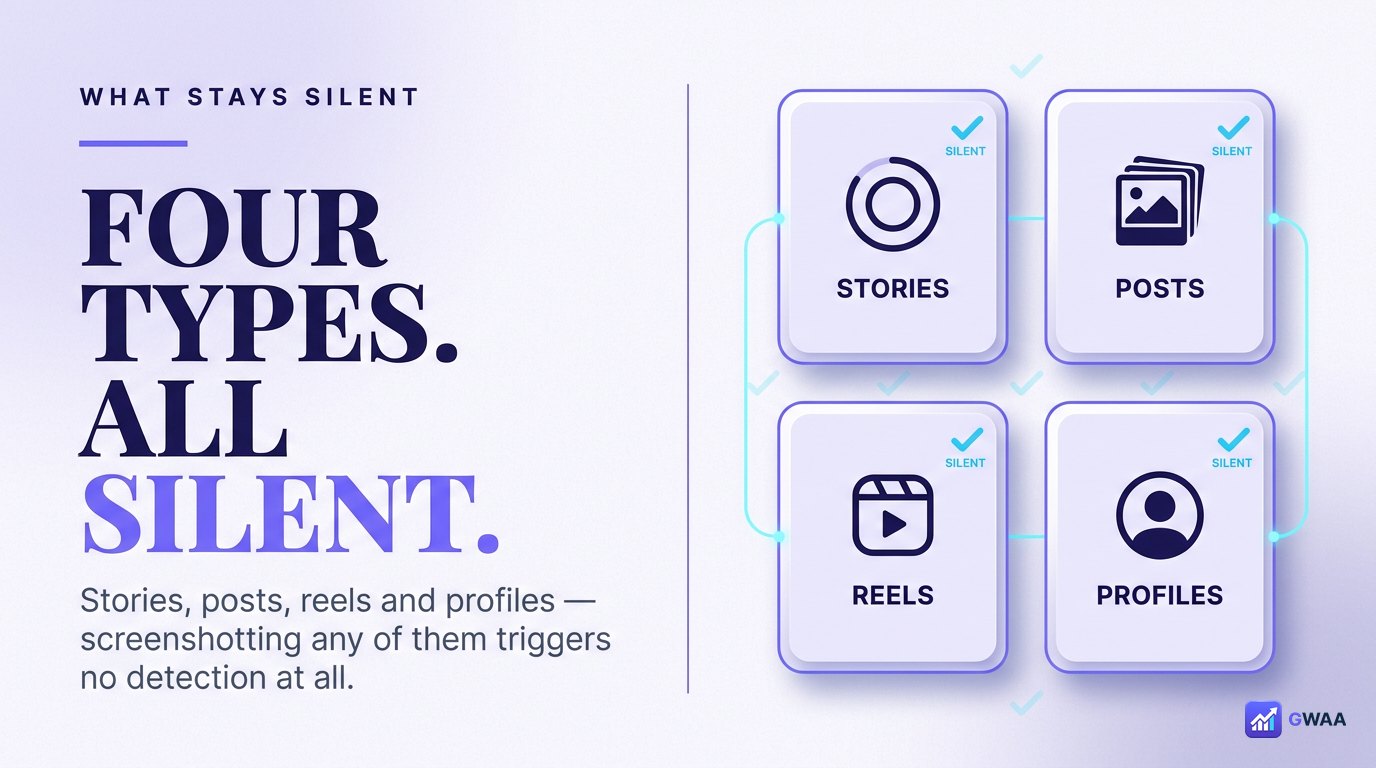
Here’s the comprehensive list of content types where screenshots are completely silent:
- Stories: Screenshot freely. No notification, no indicator, no log.
- Posts (feed): Screenshot any public or private-feed post you can see. Silent.
- Reels: Same. Silent.
- Highlights: Same as stories. Silent.
- Profile pages: Screenshot a profile, the bio, the followers list, the post grid. All silent.
- Regular DMs (non-disappearing): Screenshot a normal DM conversation. Silent.
- Live videos: Screenshot during a live broadcast. Silent.
This list is exhaustive. If it’s on Instagram and not a view-once DM, you can screenshot it freely.
Does screen recording notify?
Screen recording follows the same rules as screenshots. The reasoning is mechanical: if Instagram doesn’t detect screenshots, the underlying OS-level capture event is the same for screen recordings — Instagram has no way to distinguish, and no reason to try.
So:
- Screen record a story: Silent.
- Screen record a post/reel: Silent.
- Screen record a view-once DM: Notification fires (same as screenshot).
- Screen record a regular DM: Silent.
Three persistent myths — debunked
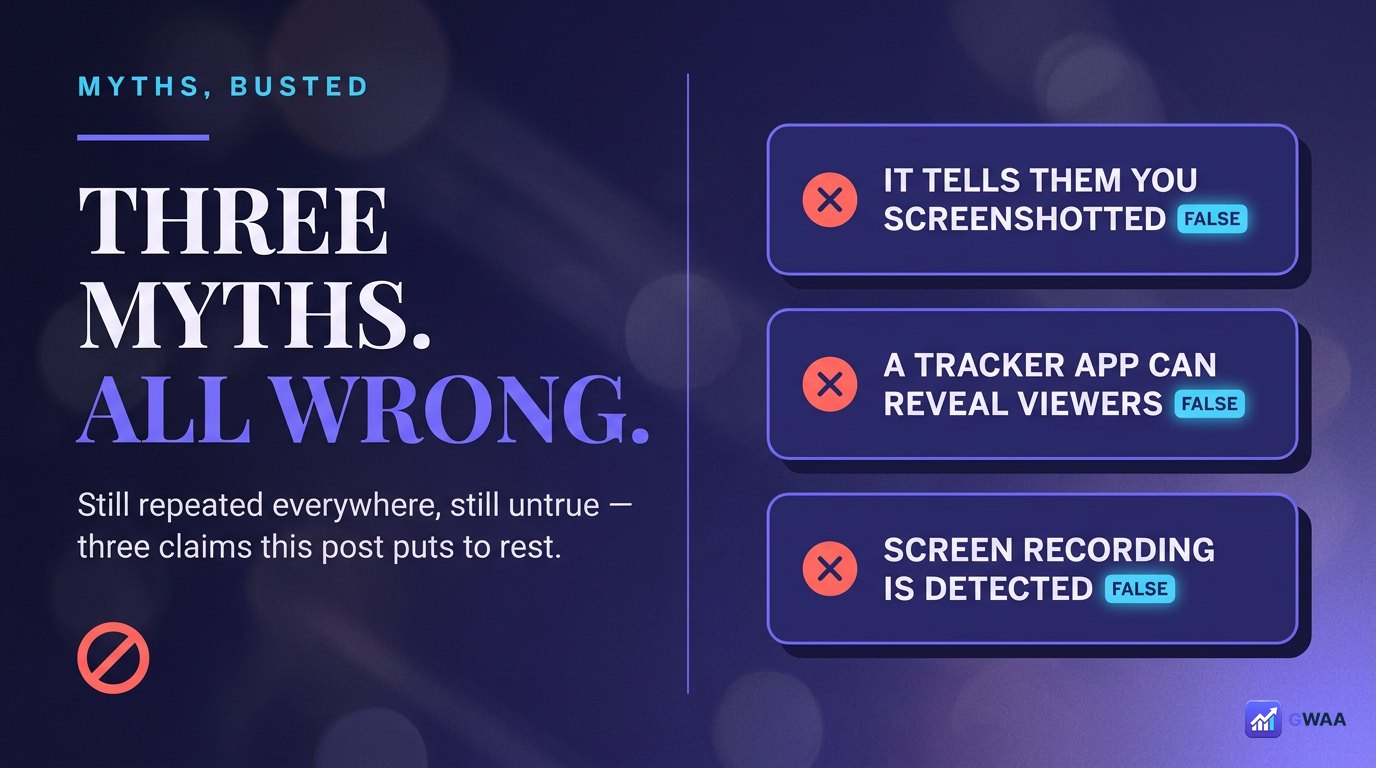
Three Instagram-detection myths are still widespread despite being wrong:
- Myth 1: “Instagram notifies when you screenshot a story” — Wrong. Was true for a few weeks in 2018, rolled back. Not true today and hasn’t been for eight years.
- Myth 2: “Instagram notifies when you screenshot a post” — Wrong. Never has, never will. Posts have never had screenshot detection.
- Myth 3: “Instagram notifies when someone views your profile” — Wrong (different feature, but adjacent confusion). Profile views aren’t tracked at all — the feature simply doesn’t exist.
If you’ve heard any of these three from a friend, an old article, or a Reddit thread, they’re repeating outdated information.
Same on every OS and app version
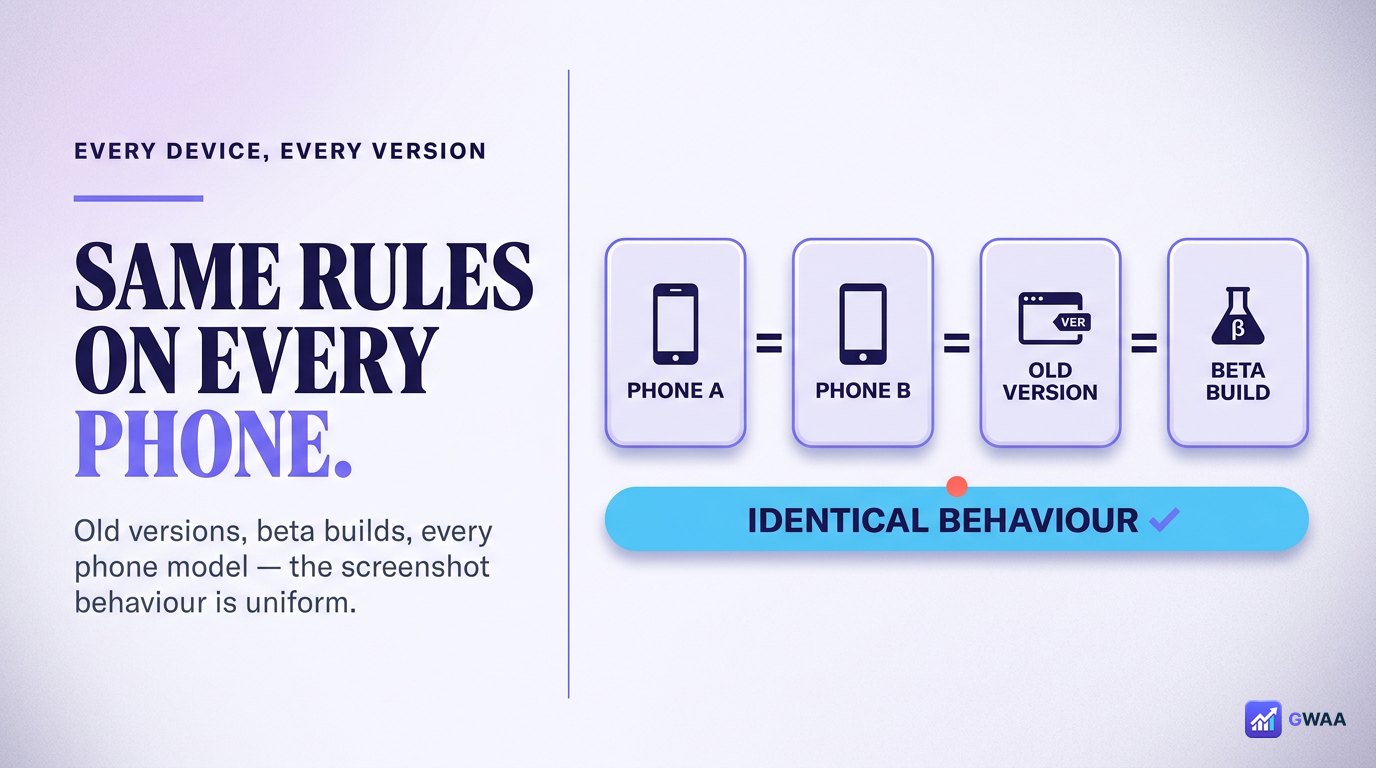
Some users wonder if older Instagram app versions, beta versions, or specific phone models behave differently. They don’t. Instagram’s screenshot-detection rules are uniform across:
- iOS (all versions).
- Android (all major manufacturers).
- Web (Instagram.com).
- Old Instagram app versions and the current 2026 build.
- Public mode, private mode, business accounts, creator accounts — all identical.
The only thing that varies is the disappearing-DM notification mechanic, which works on all platforms.
Third-party “screenshot tracker” apps are scams
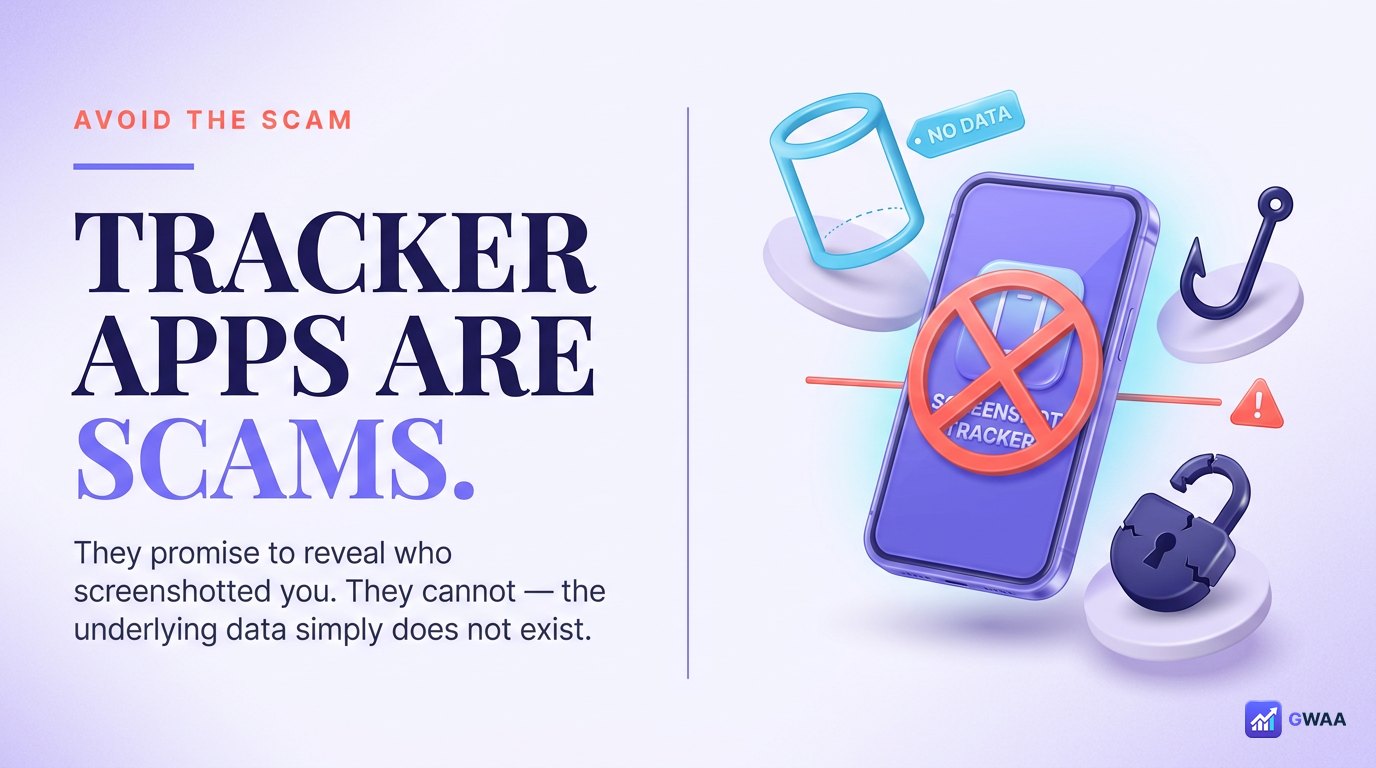
Search for “Instagram screenshot tracker” and you’ll find dozens of apps promising to show you who’s been screenshotting your profile or posts. All of them are scams. They can’t do it because the underlying data doesn’t exist — Instagram doesn’t log screenshot events for any content type other than disappearing DMs.
How these scams typically work:
- The app asks for your Instagram username and password.
- Your credentials are stolen, sold, or used to spam others from your account.
- The app shows random fake usernames as “detected screenshotters” to keep you engaged.
- You’re asked to pay a subscription to “unlock the full list” (which is fake).
Two red flags that should always make you walk away:
- The app asks for your Instagram password (legitimate tools never need it).
- The app claims to detect screenshots on stories/posts/profiles (impossible).
Etiquette beyond technical detection
Just because Instagram won’t tell them doesn’t mean you should screenshot recklessly. The social etiquette around screenshotting is its own thing:
- Public content is fine for personal use. Screenshot a creator’s post for reference, your own collection, your moodboard. No issue.
- Re-sharing publicly? Credit the creator with their handle. This is internet etiquette, not Instagram policy.
- Private chats? Treat screenshots like screenshots of any other private conversation — ask before sharing, respect context.
- Sensitive content? Especially if the person trusted you with something personal, treat the screenshot as you’d treat a personal letter.
The technical reality (no notifications) doesn’t change the social reality (trust still matters).
Why this myth refuses to die
Most internet myths die when the truth becomes well-known. This one persists because:
- Scam apps benefit from the confusion. Every “screenshot tracker” in the App Store and Play Store has a financial incentive to keep the myth alive.
- Snapchat does notify on screenshots. People conflate the two platforms. Snapchat’s ephemeral content model is built around screenshot notifications; Instagram’s is not.
- The 2018 test was real. People who used Instagram briefly during those weeks have first-hand evidence (now outdated) that it “used to” notify.
- Old articles never get updated. Search results from 2018 still appear for queries about screenshot detection.
Will Instagram ever add screenshot detection?
Probably not, for two reasons:
- The 2018 test failed. Users hated it. Instagram rarely re-introduces a feature that was specifically rolled back due to negative feedback.
- Meta’s product philosophy has shifted. Instagram’s parent company is focused on engagement and content distribution; screenshot detection actively reduces engagement by making users hesitate.
If a real change ever happens, expect it to be communicated clearly with a major blog post and PR rollout. Until then, assume the answer is no.
Why people confuse Instagram with Snapchat
The screenshot-notification myth is mostly a Snapchat-Instagram crossover confusion. Here’s the actual difference:
- Snapchat: Built around ephemeral content. Screenshots are detected and notified by default on most content types — snaps, stories, chats. The screenshot notification is part of the core Snapchat promise.
- Instagram: Built around permanent content. Stories were added in 2016 as a Snapchat-style feature, but Instagram never adopted the screenshot-notification mechanic for stories. The brief 2018 test was specifically to see if it would fit; it didn’t, and was removed.
If you’re used to Snapchat’s rules, the natural assumption is that Instagram works the same way. It doesn’t. The two platforms have completely different defaults despite the surface similarity of the “Stories” feature.
Practical scenarios — what to do
Five common scenarios and the right action:
- You want to save a creator’s story permanently: Screenshot it freely. They won’t know. If you re-share it, credit them.
- You want to keep a friend’s funny post: Screenshot it. The friend won’t be notified. Send them a DM laughing about it if you want to share the moment.
- You want to capture a private DM conversation: Screenshot it. Instagram doesn’t notify the other person. (But: respect the trust the conversation implied.)
- Someone sent you a view-once photo: Be aware that if you screenshot, they’ll know. Consider asking them to send it as a regular photo if you want to keep it without the notification.
- You want to track who screenshots your content: You can’t. The data doesn’t exist. Apps that claim to provide this are scams.
Is screenshotting Instagram content legal?
Yes, in essentially every jurisdiction. Personal-use screenshots of content someone has chosen to make public is structurally the same as bookmarking a webpage or taking a photo of a billboard. The lines where it becomes legally questionable:
- Commercial use without permission. Screenshotting someone’s post and using it in your business’s paid ads without licensing it is a copyright issue.
- Re-uploading as your own. Same copyright concern, even for non-commercial purposes.
- Privacy violations. Screenshotting someone’s private DM and publishing it (especially if it reveals sensitive personal information) can run into privacy laws depending on the jurisdiction.
- Harassment. Using screenshots to dox, harass, or stalk someone is illegal regardless of how the screenshot was acquired.
For normal personal use — saving content you like, archiving for reference, sharing with close friends — screenshotting is a legal default the same way browsing the web is.
How other platforms compare
Quick reference for screenshot-notification behaviour across major platforms in 2026:
- Instagram: Silent except disappearing DMs (covered above).
- Snapchat: Notifies on most screenshots (snaps, stories, chats).
- WhatsApp: Silent except view-once messages (similar to Instagram).
- TikTok: Silent on all screenshots and screen recordings.
- X / Twitter: Silent.
- Facebook: Silent.
The pattern: Snapchat is the outlier. Most major platforms don’t notify on screenshots because the cost (user friction) outweighs the benefit (privacy theatre). Instagram’s position (silent except disappearing DMs) is essentially the industry default for content that wasn’t designed to vanish.
The full answer in five lines
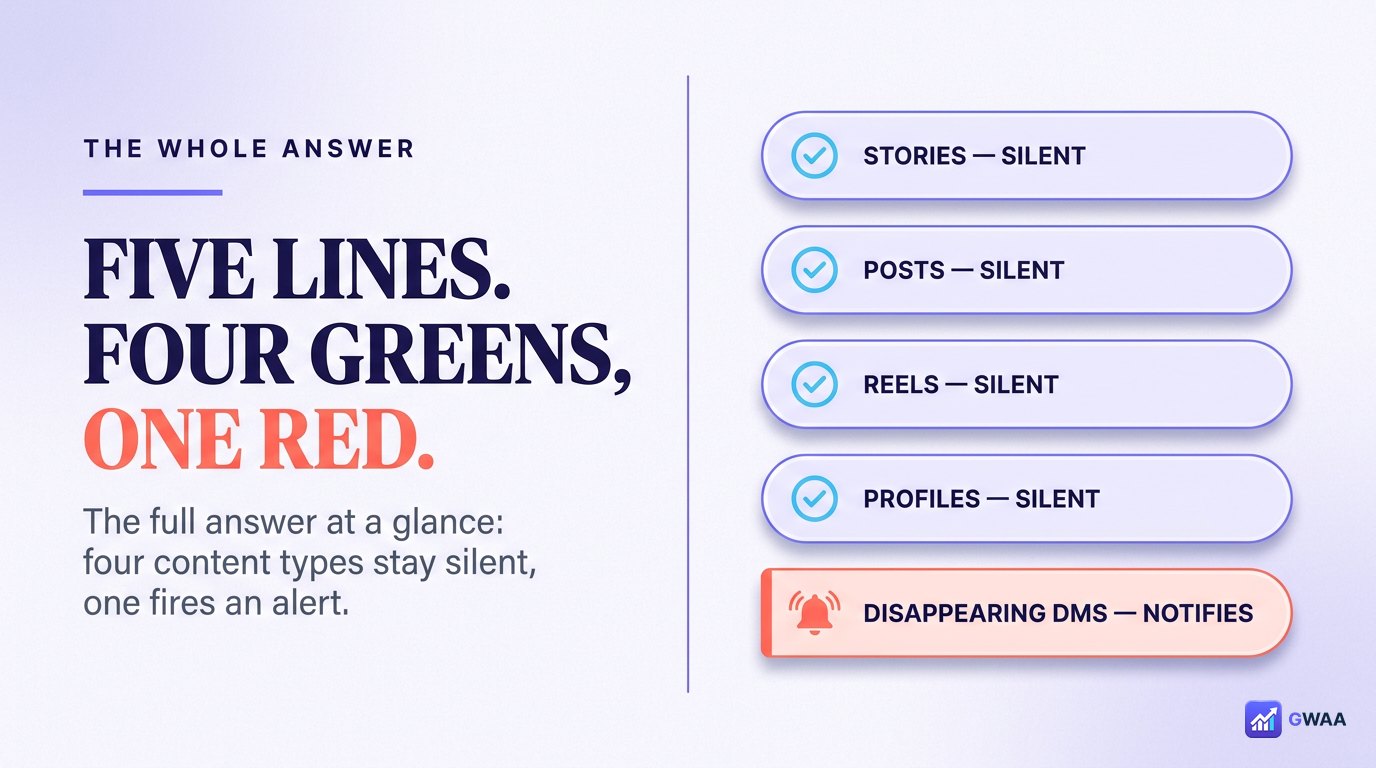
To summarise the entire post in five clean lines:
- Stories: Screenshot freely. ✓
- Posts: Screenshot freely. ✓
- Reels: Screenshot freely. ✓
- Profiles: Screenshot freely. ✓
- Disappearing DMs (view-once / replay-once): Notification fires. ✗
That’s it. Everything else is myth, scam, or outdated information. Save this post, share with anyone still confused, and move on with confidence next time you screenshot.
Explore more across GWAA: Can someone see I viewed their highlight? · Do profile views show?