
A shadowban on Instagram is when the platform quietly suppresses your reach — your posts stop appearing in hashtag feeds and discovery for non-followers, even though your account works normally for existing followers. Common triggers: using flagged hashtags, repeat posting, bot tools (mass-follow, auto-DM), or violating community guidelines. Most shadowbans are temporary and self-resolve in 2-4 weeks if you stop the trigger behaviour.
⚡ Key takeaways
- Shadowban = reach suppressed for non-followers; followers still see you.
- Test it: post with a niche hashtag, ask a friend (not following you) to search it.
- Common triggers: banned hashtags, bot tools, repeat content, guideline violations.
- Typical duration: 2-4 weeks. Most resolve automatically.
- “Shadowban removal” services are scams — no one can speed it up.
What is a shadowban?
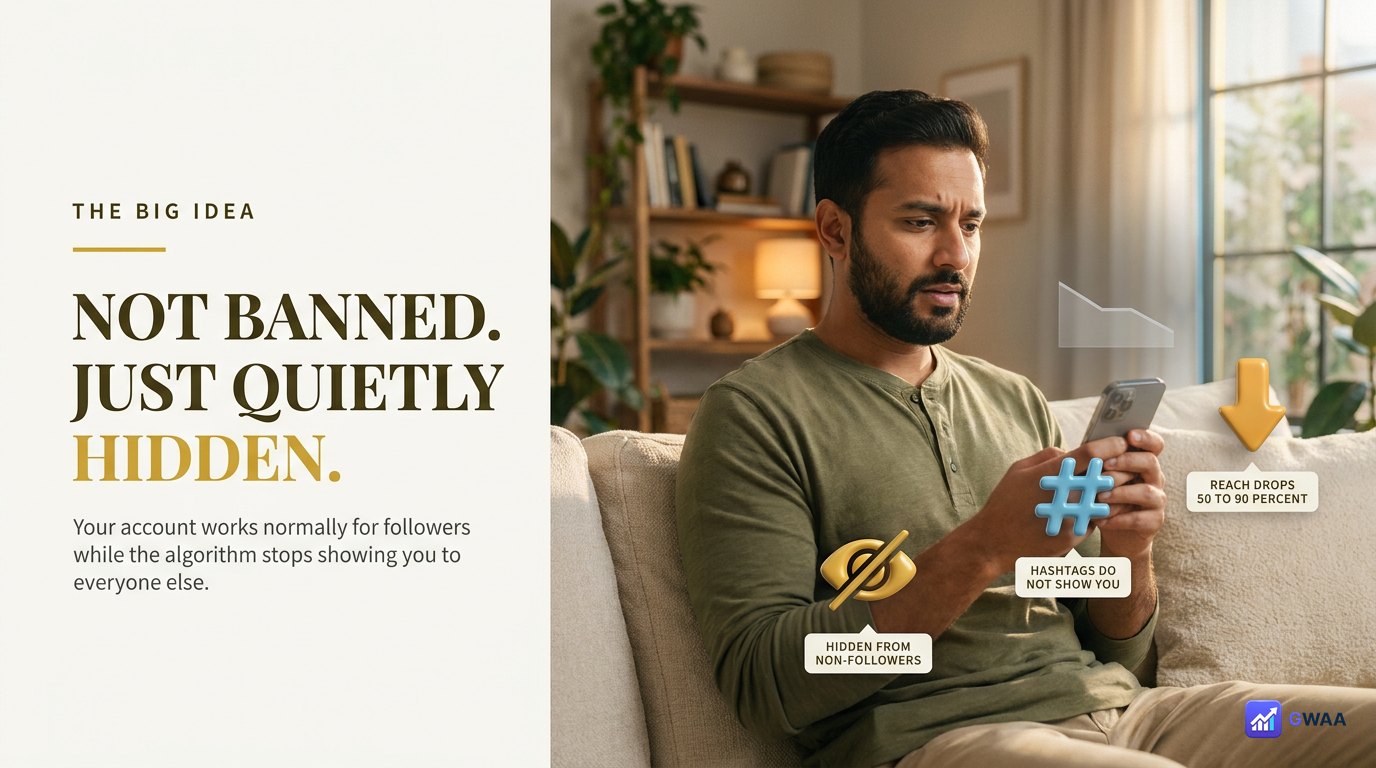
A shadowban is Instagram’s informal name for reach suppression — your account isn’t banned, you can still post and message normally, but the algorithm quietly stops showing your content to non-followers. Three concrete effects:
- Your posts disappear from hashtag feeds. Search any hashtag you used, and your post isn’t there even if it should be.
- Discovery (Explore) ignores you. New users don’t see you in their recommended feed.
- Your existing followers still see you normally. Engagement from them looks normal; engagement from new users drops to near zero.
Instagram officially denies that “shadowbans” exist as a feature. Their preferred terminology is “reach reduction” or “recommendation eligibility loss”. But functionally, users experience it the same way: a sudden, unexplained drop in non-follower reach that lasts weeks before resolving on its own.
Four signs you’ve been shadowbanned
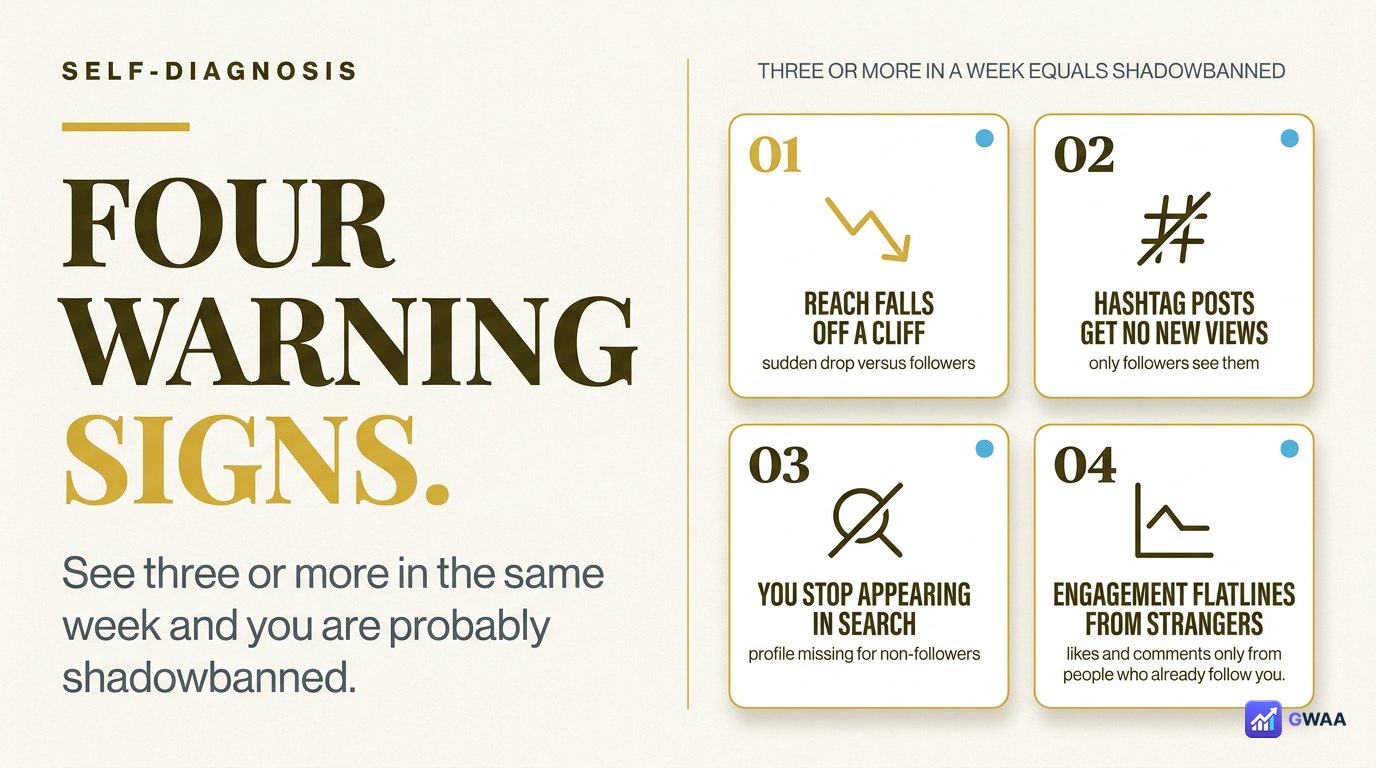
Look for these patterns. If you see three or more in the same week, you’re likely shadowbanned:
- Sudden reach crash. Your post reach drops 50-90% in a few days with no change in content or posting cadence. This is the loudest signal.
- Hashtags stop working. Posts that used to pull traffic from hashtags suddenly get zero hashtag-driven views.
- Not appearing in search. Ask a friend (not following you) to search your account name — if you don’t appear in their results, you’re likely shadowbanned.
- Existing followers see you normally but new follower growth stops. Likes from regulars look fine; total reach has crashed.
How to confirm with a hashtag test
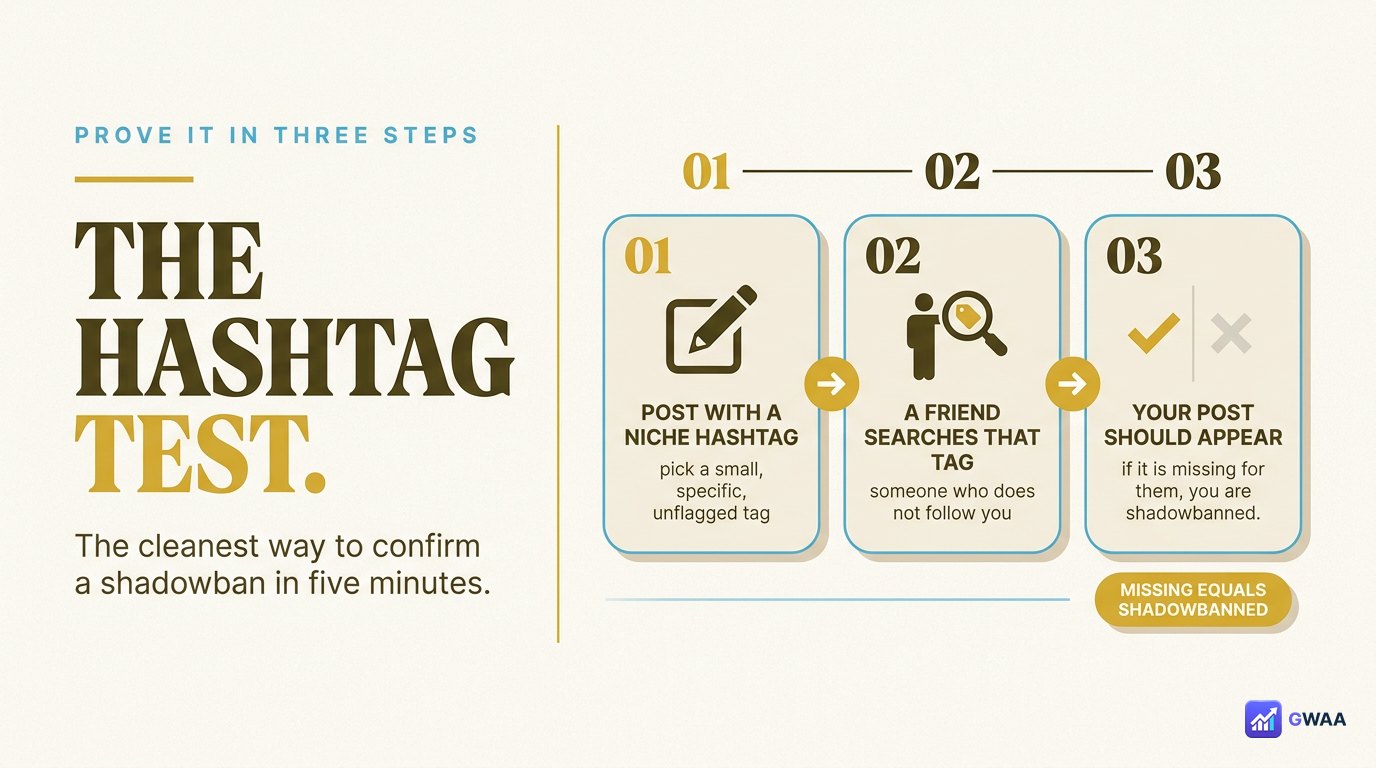
The cleanest test is a hashtag-based check. Three steps:
- Post a piece of content with a moderately-specific hashtag — not so big that you’ll be lost in the noise, not so tiny that you’re the only post. Something with 10K-100K total posts.
- Within 15-30 minutes, ask a friend (who does NOT follow you and is not in any way connected to your account) to search that exact hashtag in their app.
- Check the “Recent” tab for the hashtag. Your post should appear there if the hashtag has only 10K-100K posts. If they can’t find it, you’re shadowbanned.
The friend matters because they’re a clean test — not in your follower graph, not influenced by Instagram’s personalisation. If your post shows up for you but not for them, that’s the definition of a shadowban.
What causes a shadowban
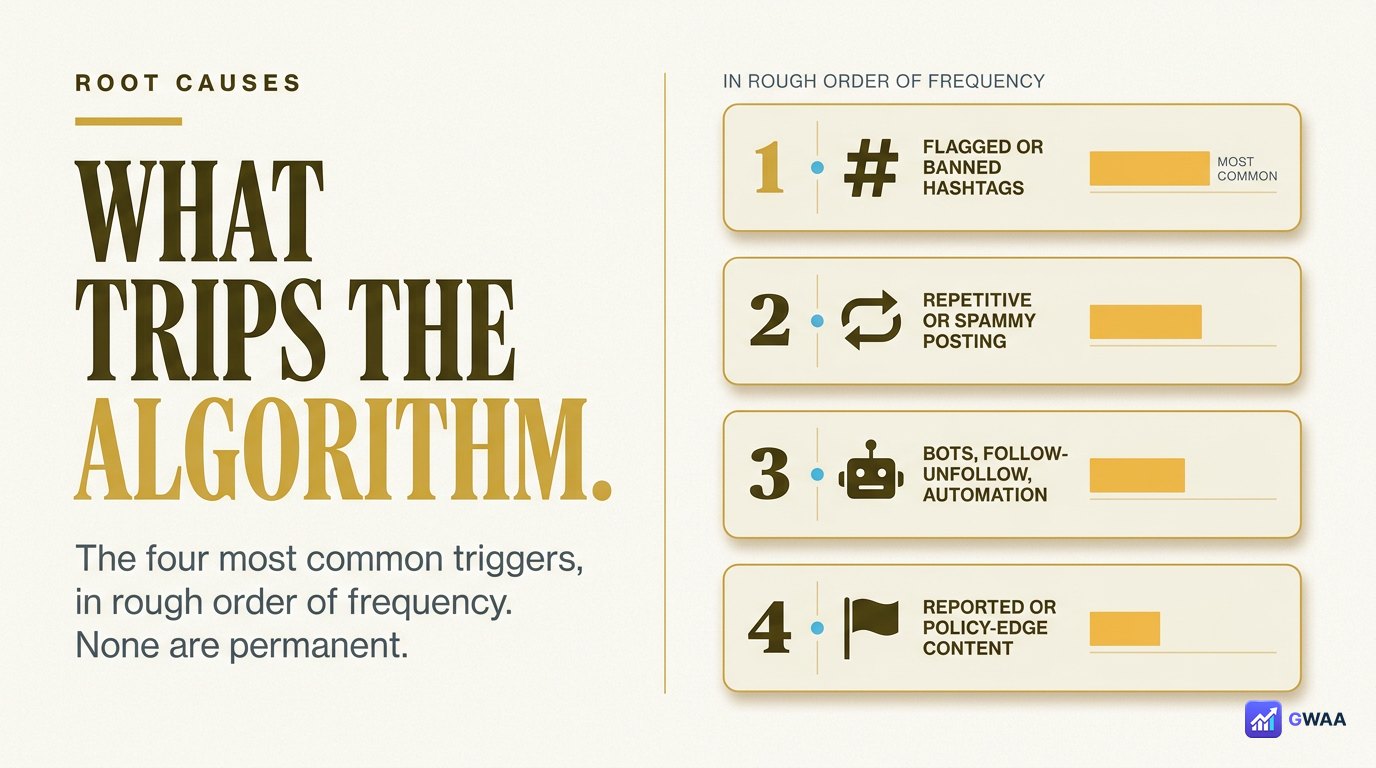
The four most common triggers, in rough order of frequency:
- Using banned or flagged hashtags. Instagram maintains a quiet list of hashtags that flag any post using them. The list changes; what worked last month may be flagged this month.
- Bot-like behaviour. Mass-following, mass-unfollowing, auto-DMs, engagement pods. Instagram’s algorithm flags accounts that behave like bots even if you’re a real person who just got too aggressive.
- Community Guideline violations. Content that brushes against policies (semi-nudity, dangerous activities, “misleading” health claims) even if it’s not blatantly banned. The algorithm reduces reach as a soft penalty.
- Repeat content. Posting the same image or video repeatedly, or near-duplicates with minor edits, looks like spam to the algorithm.
Banned and flagged hashtags
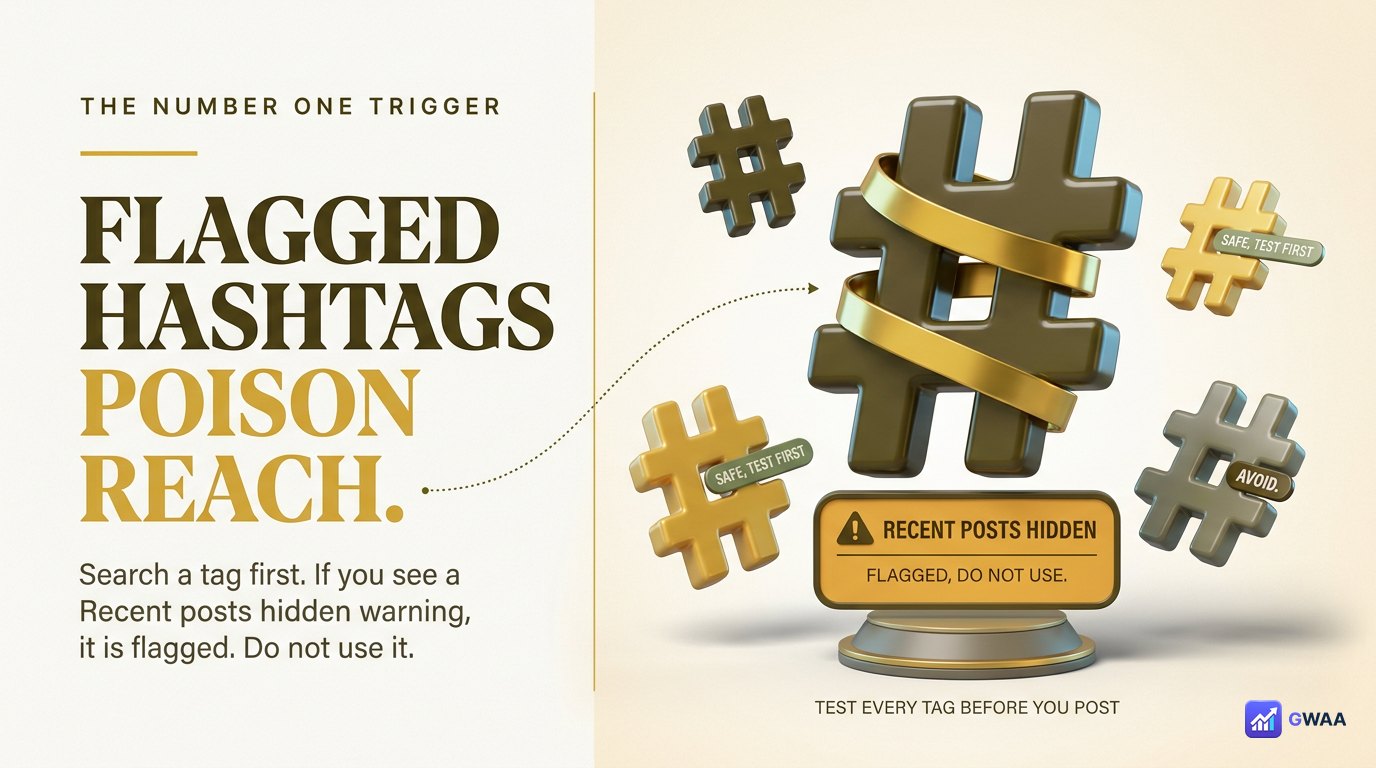
The single most common shadowban cause: using hashtags that Instagram has flagged. The list is constantly updated, but you can always test individual hashtags before using them.
How to check:
- Search the hashtag in Instagram’s search bar.
- Tap into the hashtag’s page.
- Look for the red warning banner: “Recent posts hidden because they don’t meet our Community Guidelines.”
- If you see that banner, do NOT use this hashtag. Using it will shadowban your post.
Some commonly-flagged categories include hashtags around: weight loss claims, certain dating terms, anything Instagram has decided is “sensitive content” in the moment. The flags shift, so always check current status.
How long does a shadowban last?
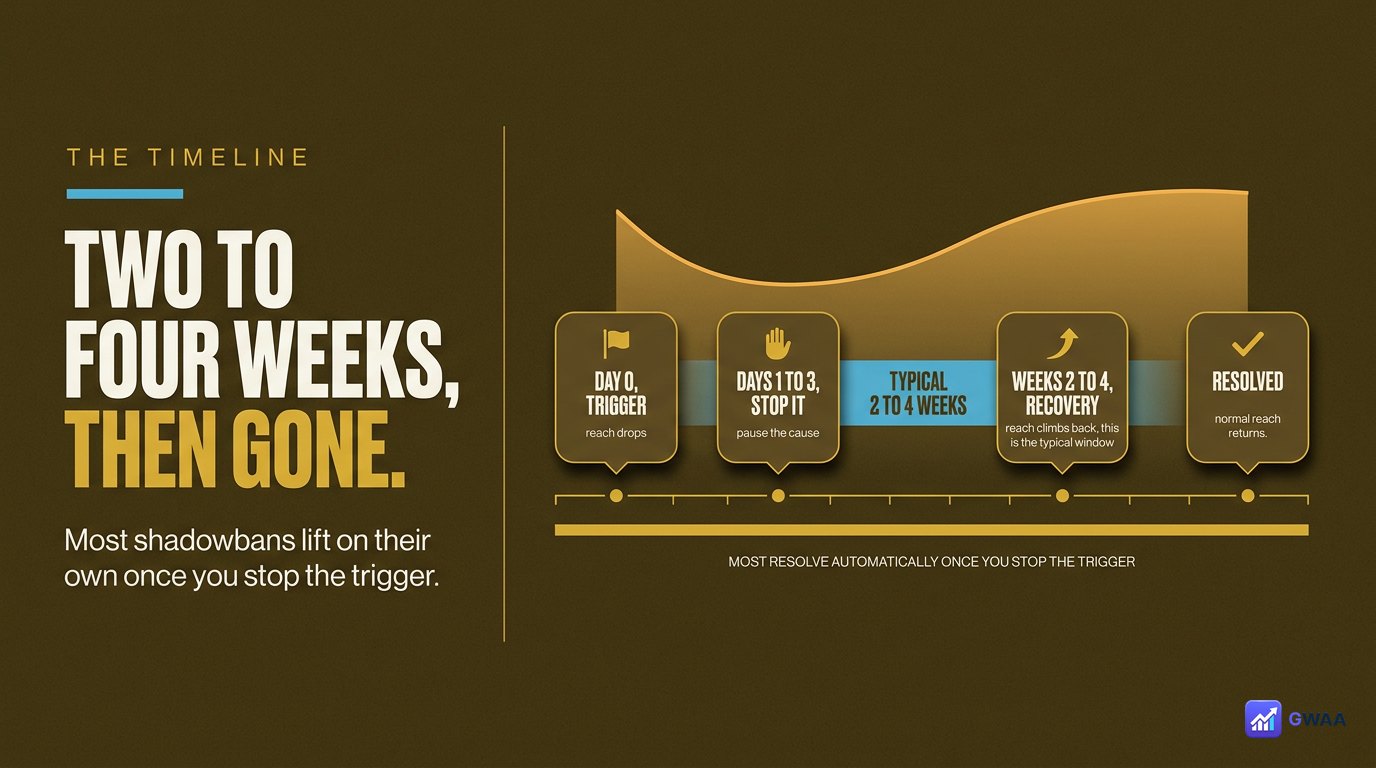
Most shadowbans are temporary. The typical timeline:
- Day 0: Shadowban starts. Reach drops within 24-48 hours of the trigger.
- Day 14-30: Common reset window. The algorithm re-evaluates if you’ve stopped the trigger behaviour.
- Day 30-90: If the trigger persisted, the shadowban extends. If you’ve fixed your behaviour, reach should be largely restored.
What does NOT shorten the timeline: appealing to Instagram, contacting support, paying any third party. The only thing that helps is stopping whatever triggered it and waiting.
Five-step recovery plan
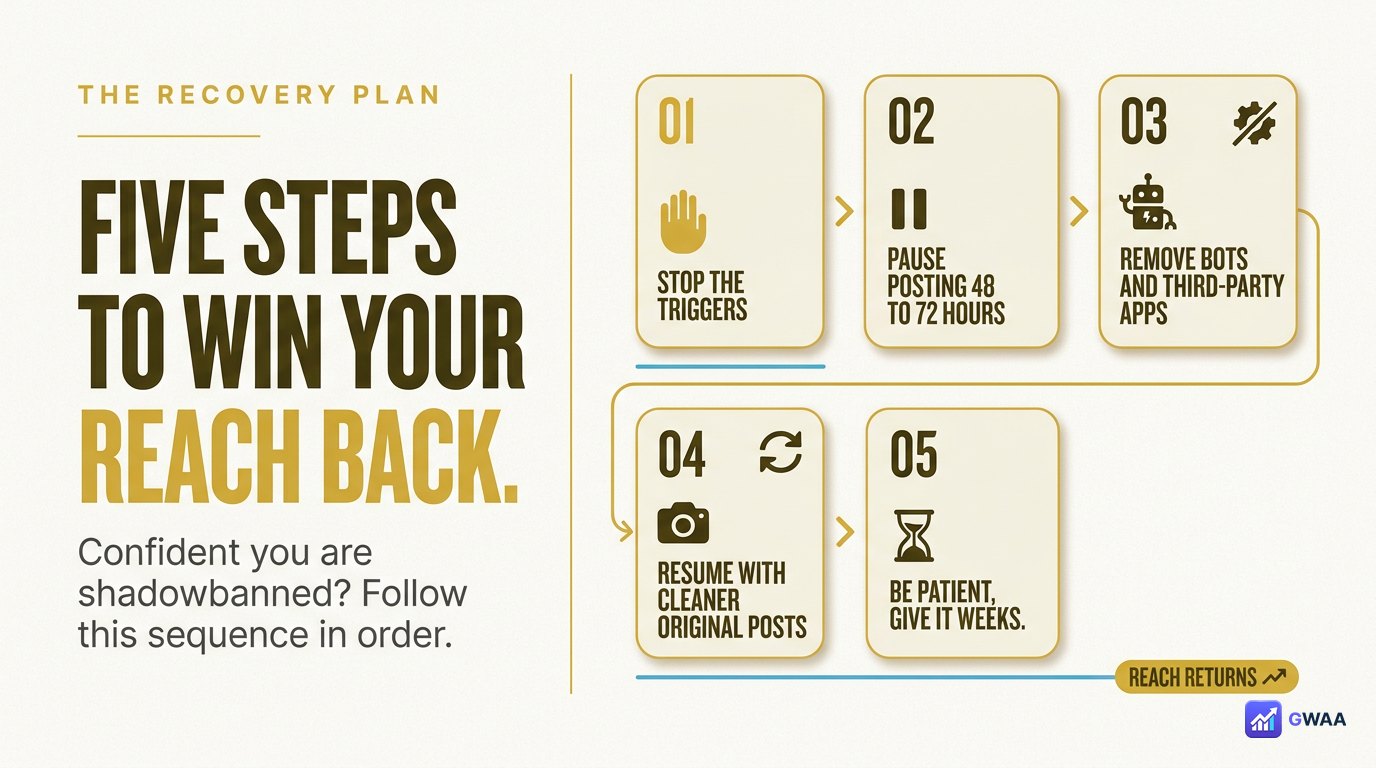
If you’re confident you’re shadowbanned, follow this sequence:
- Stop using flagged hashtags immediately. Audit your last 10 posts — check every hashtag for the “Recent posts hidden” warning. Remove flagged ones from your saved hashtag sets.
- Pause posting for 48 hours. Give Instagram’s system a clean break. Don’t post, don’t engage aggressively.
- Remove any bot tools. Disconnect auto-DM apps, mass-follow tools, engagement-pod services. If you used any in the last 30 days, this is likely the main trigger.
- Resume with cleaner content. Post original photography or video, use a fresh set of vetted hashtags, engage genuinely with comments.
- Be patient 2-4 weeks. Reach should gradually recover. Resist the temptation to “test if it’s over” with risky hashtags — that can reset the timer.
How to prevent shadowbans
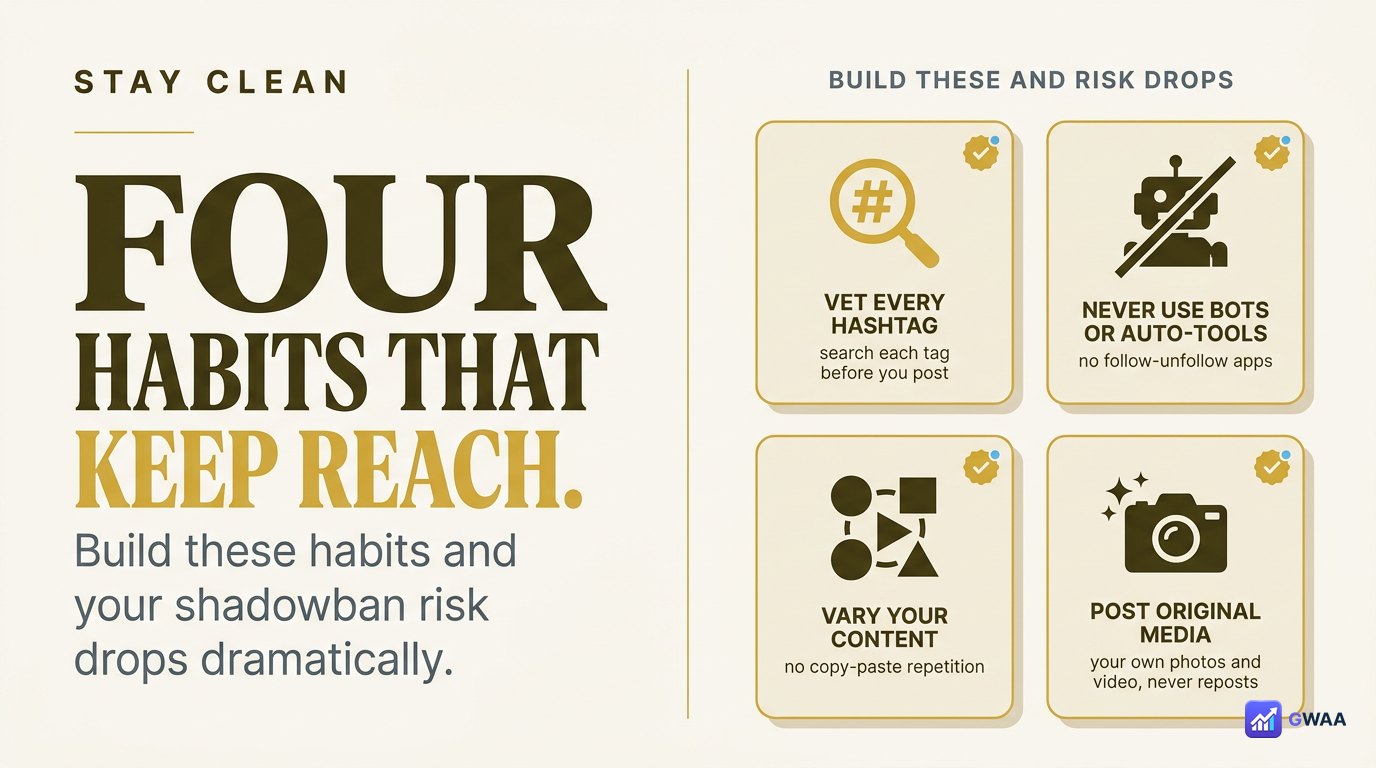
Four habits dramatically reduce your shadowban risk:
- Vet every hashtag before using it. Open the hashtag’s page in search and look for warning banners. Build a vetted-hashtag set and refresh it monthly.
- No bot tools, ever. Mass-follow, auto-DM, engagement pods, follow-train apps — all elevate shadowban risk dramatically. The short-term gain isn’t worth the suppression.
- Vary your content. Don’t repost identical photos or near-duplicates. Mix formats, topics, angles.
- Original media beats reposts. If you re-share other accounts’ content (with credit), keep it under ~20% of your output. Re-shared content is more likely to be flagged.
Three persistent shadowban myths
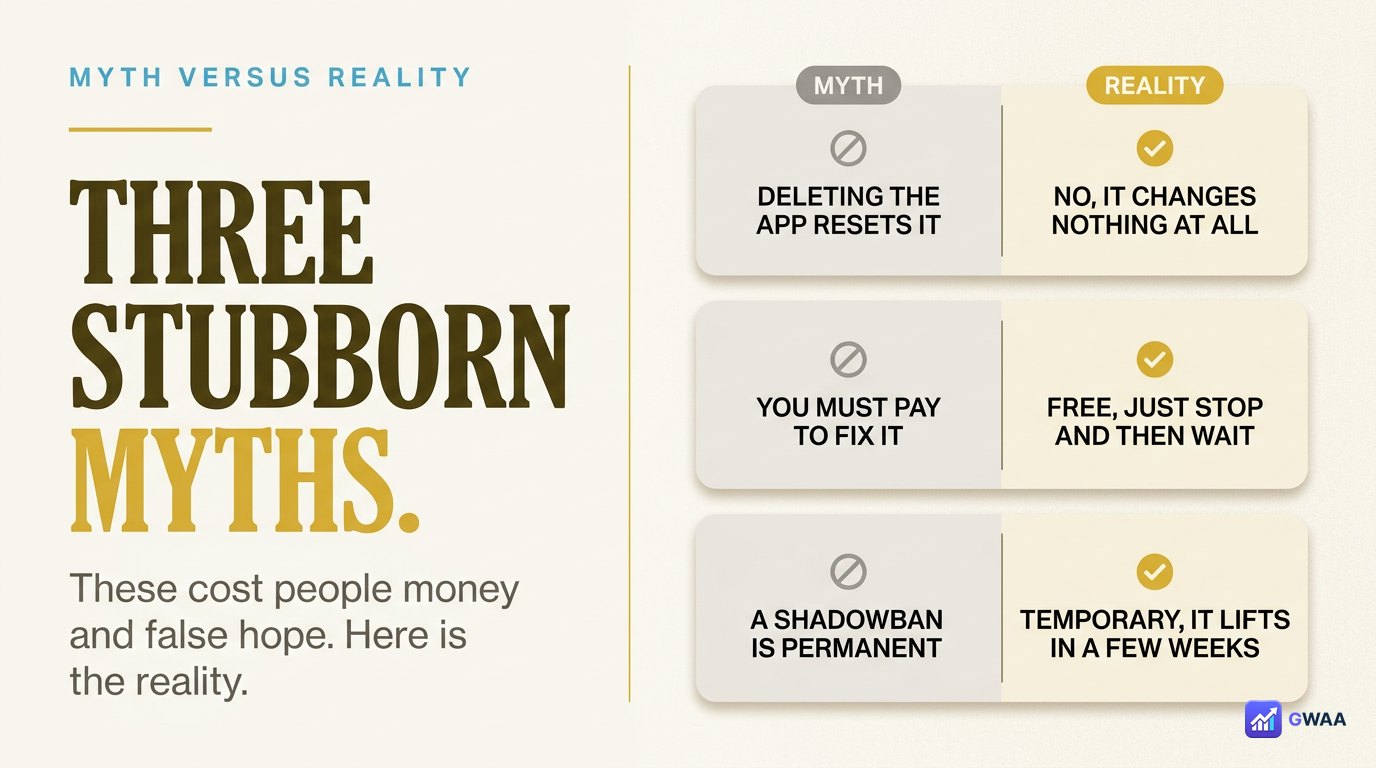
Three myths still floating around 2026:
- Myth 1: “Instagram denies shadowbans exist, so they don’t” — They use different terminology (“reach reduction”), but the functional outcome is identical to what users call a shadowban.
- Myth 2: “Once shadowbanned, always shadowbanned” — Almost always temporary. 2-4 weeks is typical; permanent ones require sustained guideline violations.
- Myth 3: “A service can remove your shadowban” — Lies. No one can “remove” a shadowban; you can only wait it out. Services that promise this are scams.
Beware “shadowban removal” services
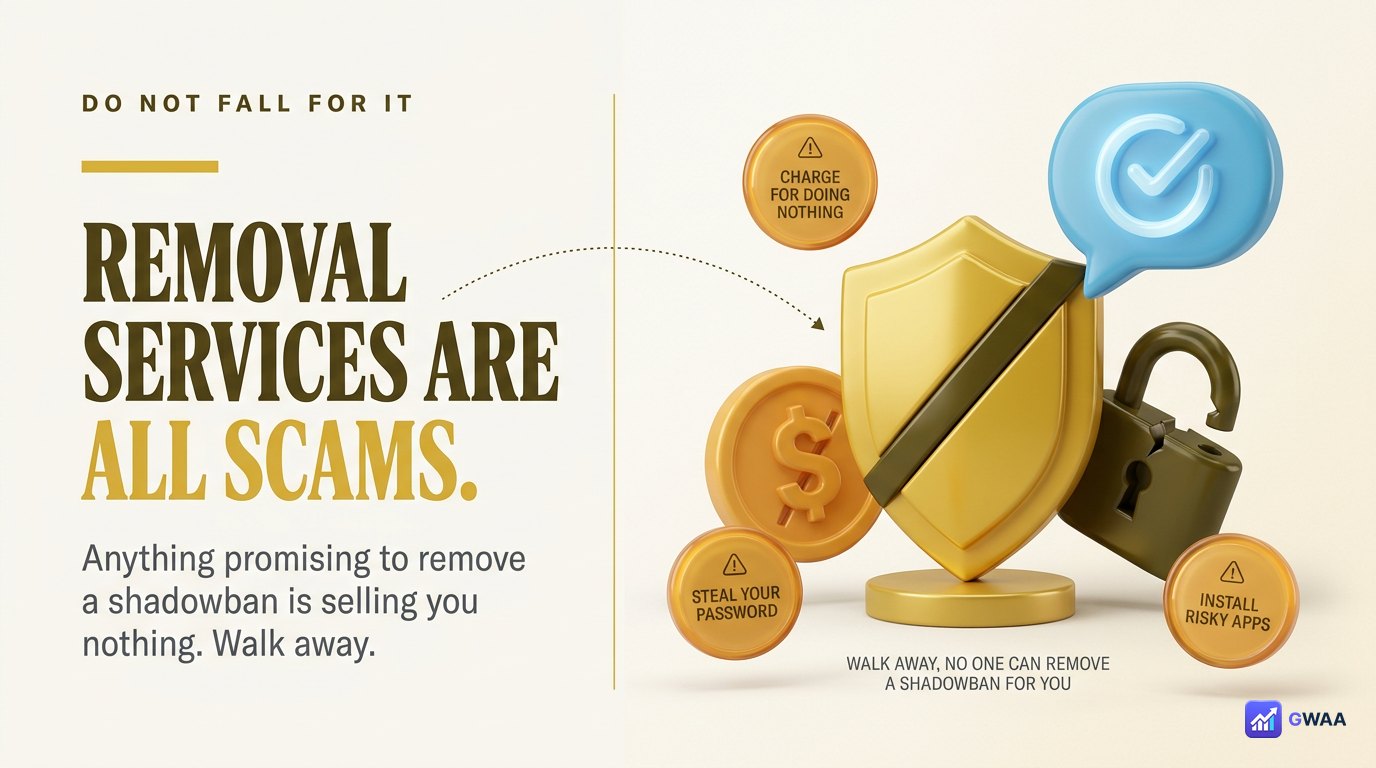
Search “shadowban removal” and you’ll find dozens of services promising to fix your reach drop. All of them are scams. They typically work by:
- Asking for your Instagram password (phishing).
- Charging $49-$199 for a “fix” that simply waits the natural 2-4 weeks.
- Showing fake before/after metrics to keep you engaged.
Two red flags that always mean walk away:
- The service asks for your Instagram password.
- The service promises shadowban removal within hours or days.
When you’re NOT shadowbanned but think you are
Sometimes reach drops have other causes that mimic shadowbans:
- Algorithm changes. Instagram periodically retunes the feed. Brief reach dips that affect everyone simultaneously aren’t shadowbans; they’re algorithm updates.
- Audience saturation. Posting too much in a week can train your audience to scroll past you. Reach drops because of audience fatigue, not penalty.
- Seasonal patterns. December engagement drops across the board. Summer too. These aren’t shadowbans.
- Content shift. If you changed your niche or content style, audience interest drops while the algorithm re-learns who should see your posts.
Run the hashtag test before assuming shadowban — it’s the cleanest way to rule out these alternatives.
Soft, hard, and partial shadowbans
Not all shadowbans are equal. Users and analysts distinguish three rough tiers based on observed behaviour:
- Soft shadowban (most common): Reach drops 30-60%. You still appear in some hashtag searches and Explore, but much less often. Usually self-resolves in 1-3 weeks. Caused by minor triggers (a few flagged hashtags, mild bot-like behaviour).
- Hard shadowban: Reach drops 80-95%. You essentially disappear from non-follower discovery entirely. Lasts 3-8 weeks. Caused by sustained triggers (ongoing bot tool use, multiple guideline violations).
- Partial shadowban: Some content types affected (e.g., reels) while others (single posts) still get normal reach. Indicates Instagram’s system flagged specific content patterns, not your account globally.
The recovery process is the same for all three: stop the triggers, wait. Hard shadowbans just take longer.
If you depend on Instagram for income
For creators and businesses where Instagram reach drives revenue, a shadowban can feel catastrophic. Practical advice if your livelihood depends on the platform:
- Diversify before you need to. Build email list, presence on a second platform (TikTok, X, LinkedIn) so a shadowban doesn’t zero out your income.
- Communicate with your audience. Stories and DMs aren’t typically affected. Use them to direct existing followers to your other channels.
- Don’t panic-post. Tempting to flood the feed trying to “rebuild reach” — this often makes it worse.
- Audit your tool stack. If you use any automation or scheduling tools, suspend them temporarily during recovery.
- Document everything. Screenshot your Insights showing the reach drop, list every hashtag you’ve used, note the date of any major posting changes. Useful for the 0.5% chance you need to escalate to Instagram support.
Can you appeal a shadowban?
Officially no, since Instagram doesn’t acknowledge shadowbans as a feature. There’s no “appeal my shadowban” form. Two indirect paths sometimes help in extreme cases:
- Report a problem via Help. Settings → Help → Report a Problem → describe the reach issue. Most reports go to an automated queue and nothing happens; a small percentage get human review.
- If you have a verified business or partnership manager contact, escalate through them. Otherwise the regular support channel rarely yields a real response.
The honest reality: 99% of shadowban recoveries happen by waiting it out, not by appealing.
The shadowban playbook
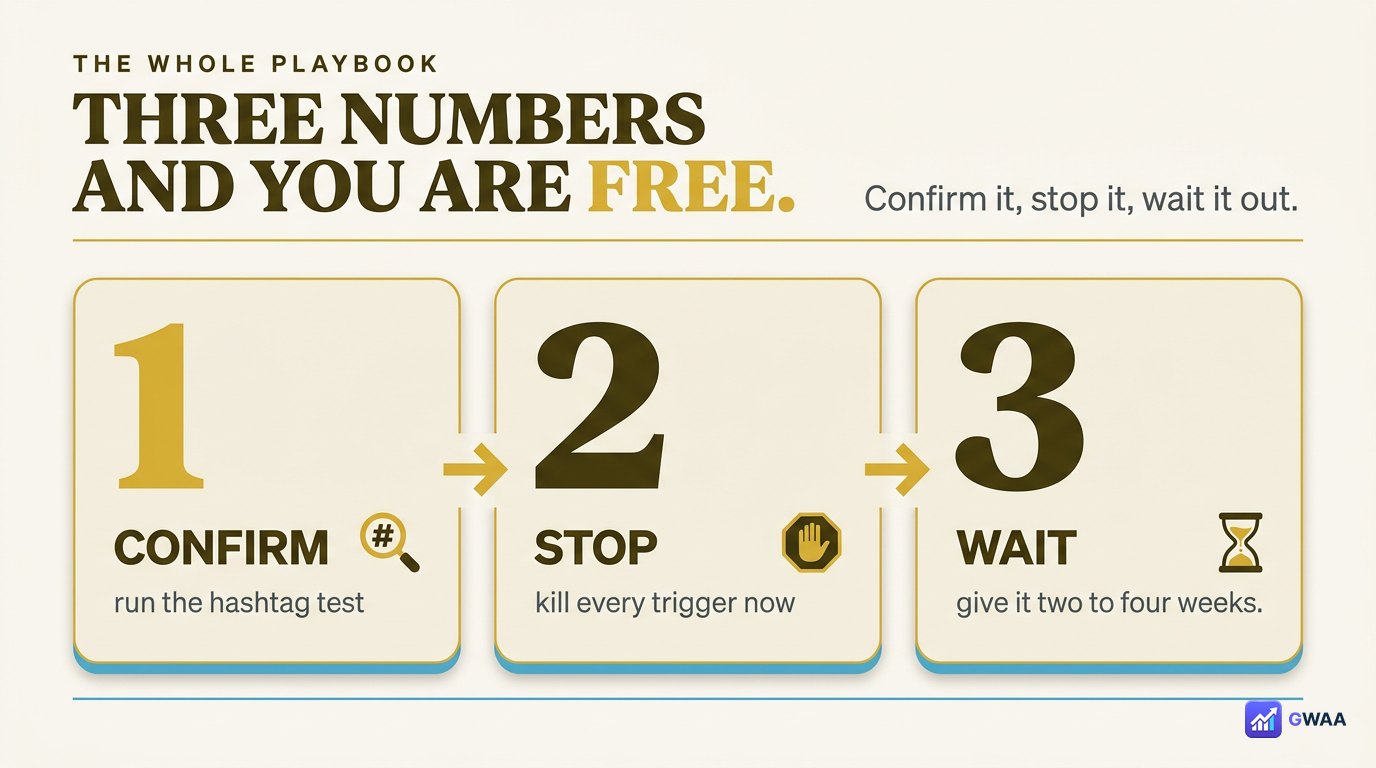
If you’re shadowbanned, the whole playbook is three numbers:
- Confirm with a hashtag test. Don’t guess.
- Stop the triggers and pause posting for 48 hours. Audit hashtags, disconnect bot tools.
- Be patient 2-4 weeks. Most shadowbans self-resolve. No service can speed it up.
Shadowbans are real, temporary, and recoverable. Don’t panic, don’t pay scammers, don’t make it worse with desperate posting. Stop the trigger, wait, and your reach will return.
Explore more across GWAA: Profile analytics explained · Spot a fake account